CCI.TECU – Operation
4.2.4 Set working position
In order to establish the current position of the 3-point hitch as the working position
proceed as follows:
1. Position the 3-point hitch in the desired working position.
2. Press the "Set Working Position" button (F6) on the touchscreen.
The new value for the working position is accepted without
acknowledgement.
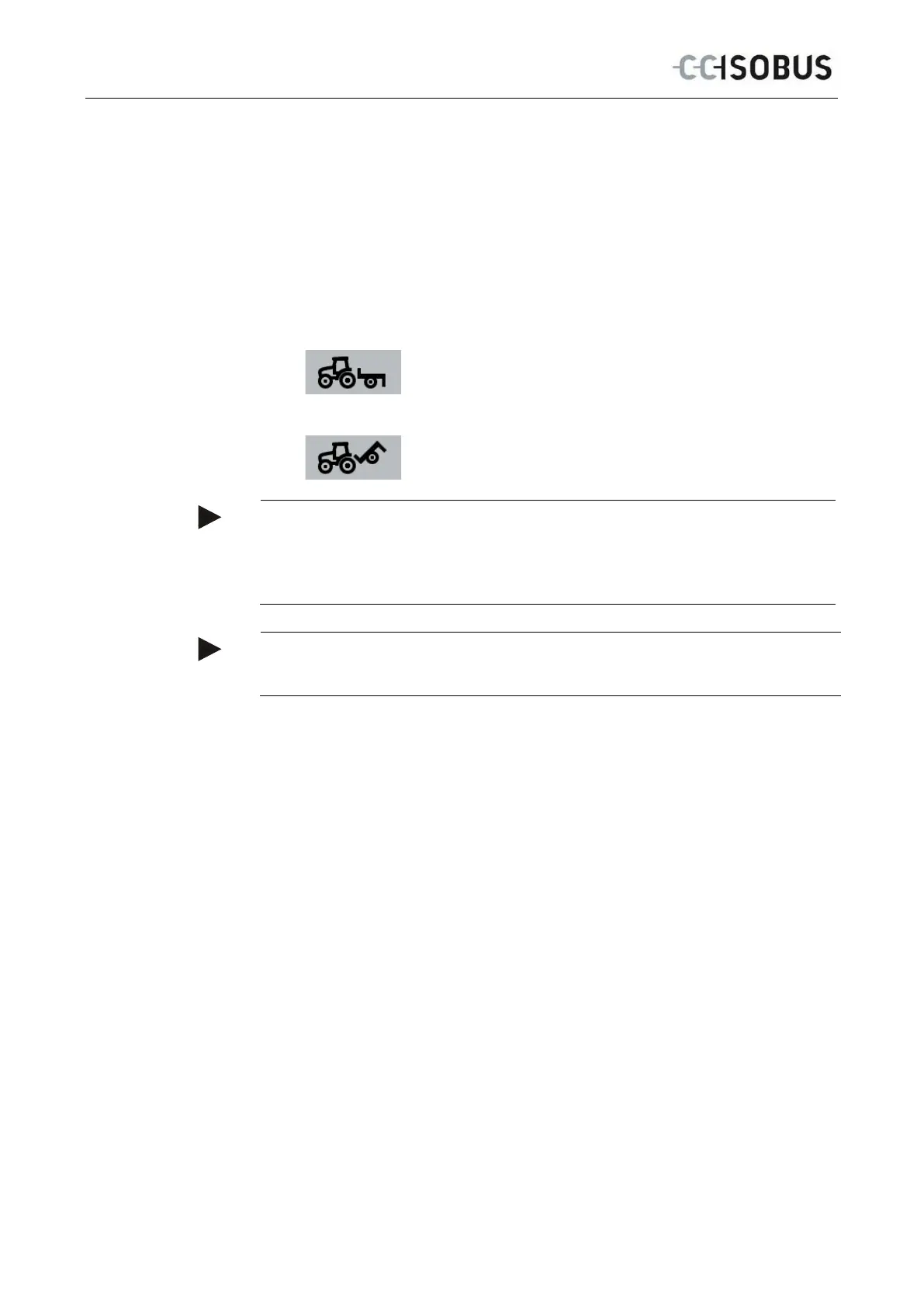
The main view displays whether the implement is in the working or
transport position.
Implement in working position.
Implement in transport position.
Note
For example, when replacing an electronic hoisting gear control, the display of the
3-point hitch between working and transport position may fluctuate. To prevent
this from happening, we recommend pressing the "Set working position" button
(F4) several centimetres before the 3-point hitch in the working position.
Note
The working position must be set at the start of the activity to ensure the correct
function of the hectare counter.
4.2.5 Activate/deactivate data transfer to the task controller
To activate or deactivate data transfer to the task controller, proceed as follows:
1. Press the "Activate data transfer"/"Deactivate data transfer" button (F10) on the
touchscreen.
→ Data transfer is activated/deactivated. The symbol on the button changes
and the other function becomes available.
14



 To Next Page