CCI.TECU – Operation
4.2.3 Select the speed sensor
The speed display only evaluates one of either possible sensors. You can select
between the following sensors:
• Wheel speed sensor
• Ground speed sensor
To select the speed sensor, proceed as follows:
1. Press the "Select Speed Sensor" button (F4) on the touchscreen.
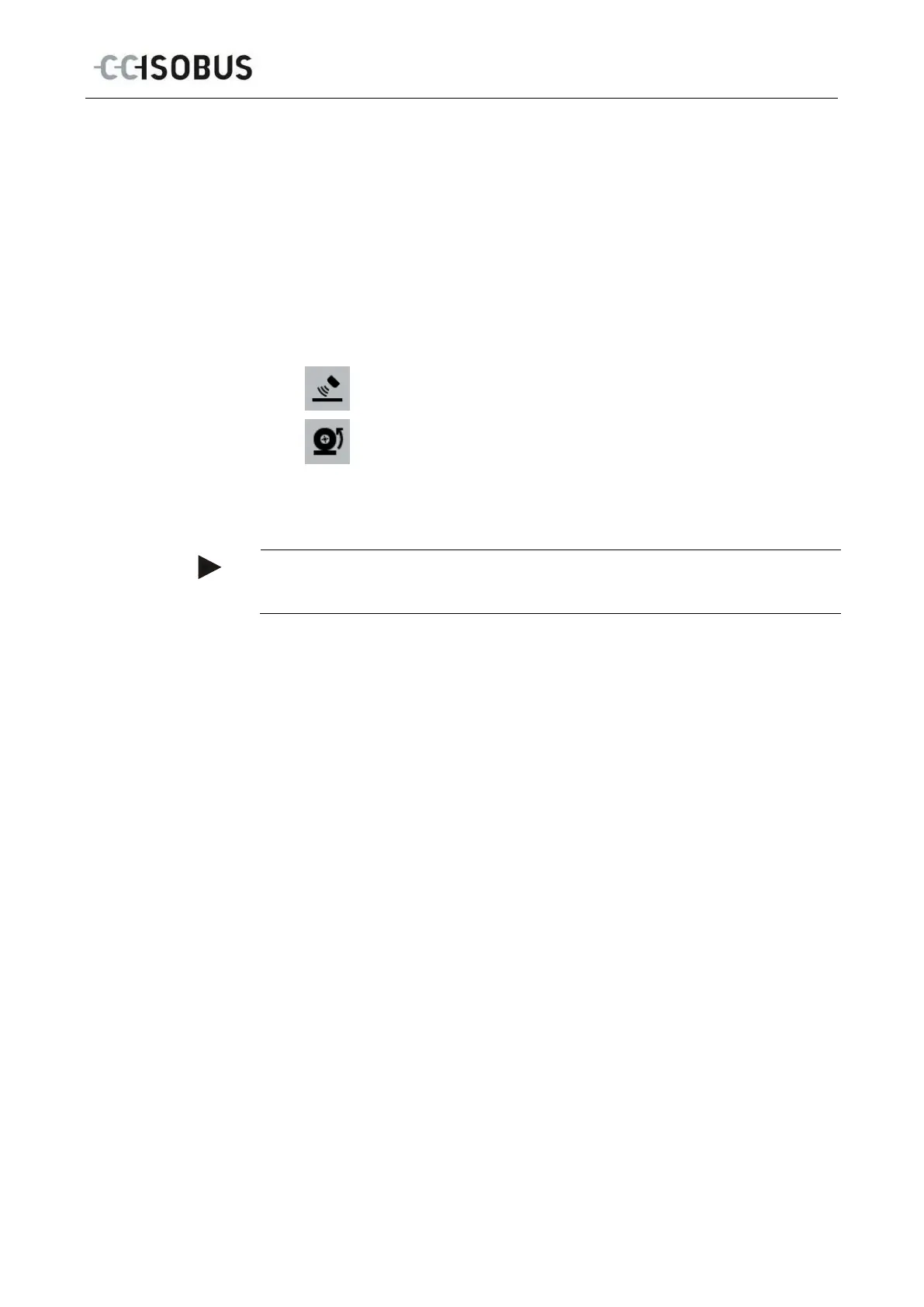
The symbol beneath the speed display indicates which sensor is selected:
Ground speed sensor is selected
Wheel speed sensor is selected
2. Select the desired setting.
Note
With a terminal of hardware generation 1 (version 1.x) match the selection to the
13



 To Next Page