VT50 – Operation
5.3.8.5.12 Creating screenshots
The terminal offers the possibility of creating a screenshot of the currently visible
operating display. This function can be used to clarify a specific behaviour of the
application that is otherwise difficult to describe in words to a service employee.
Note
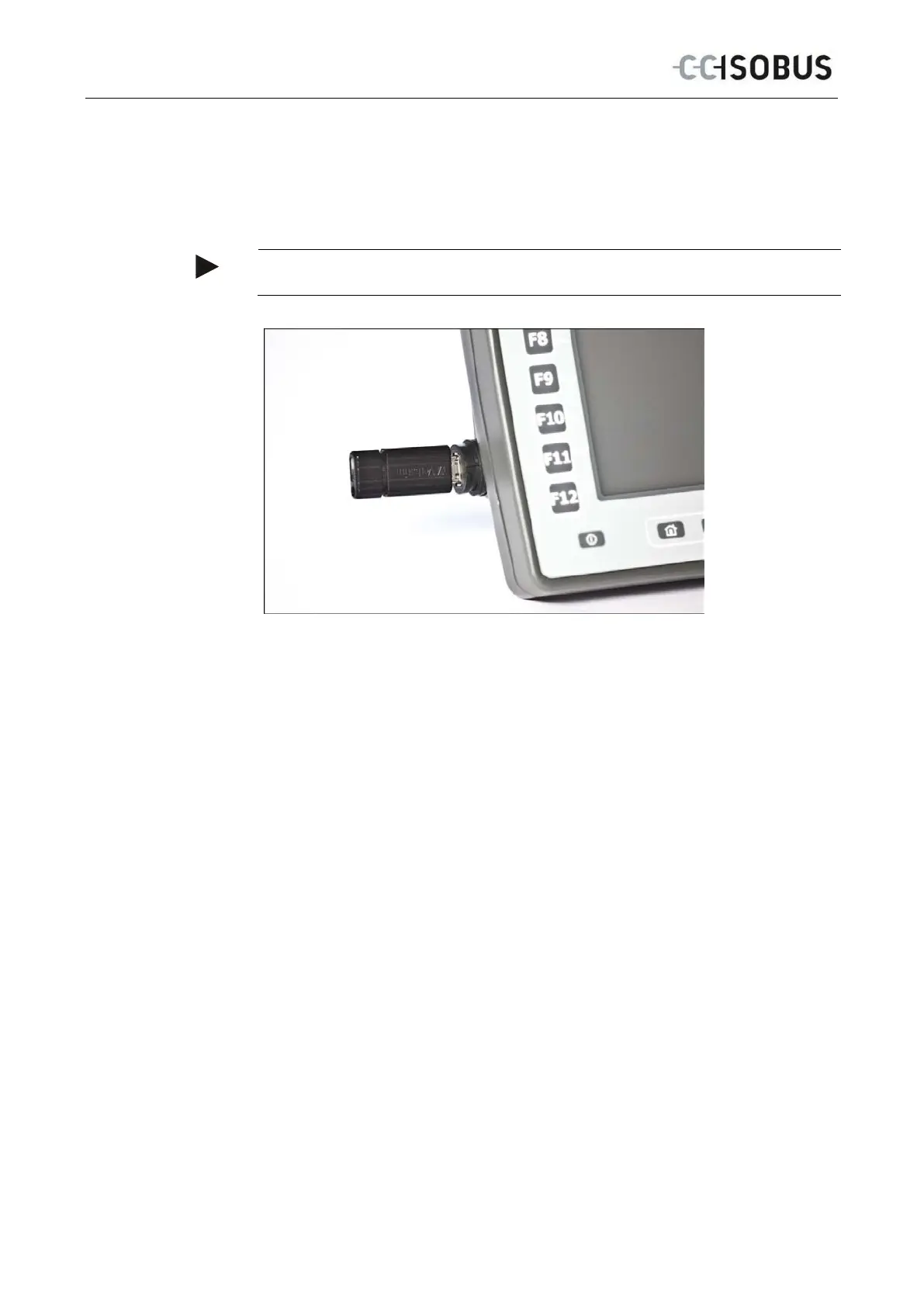
Screenshots can only be created with a flash drive inserted.
To take a screenshot, proceed as follows:
1. Unscrew the cap in the clockwise direction.
2. Insert a flash drive.
3. Press on the softkey until an acoustic signal sounds.
The screenshot is automatically saved on the flash drive.
60



 To Next Page