23
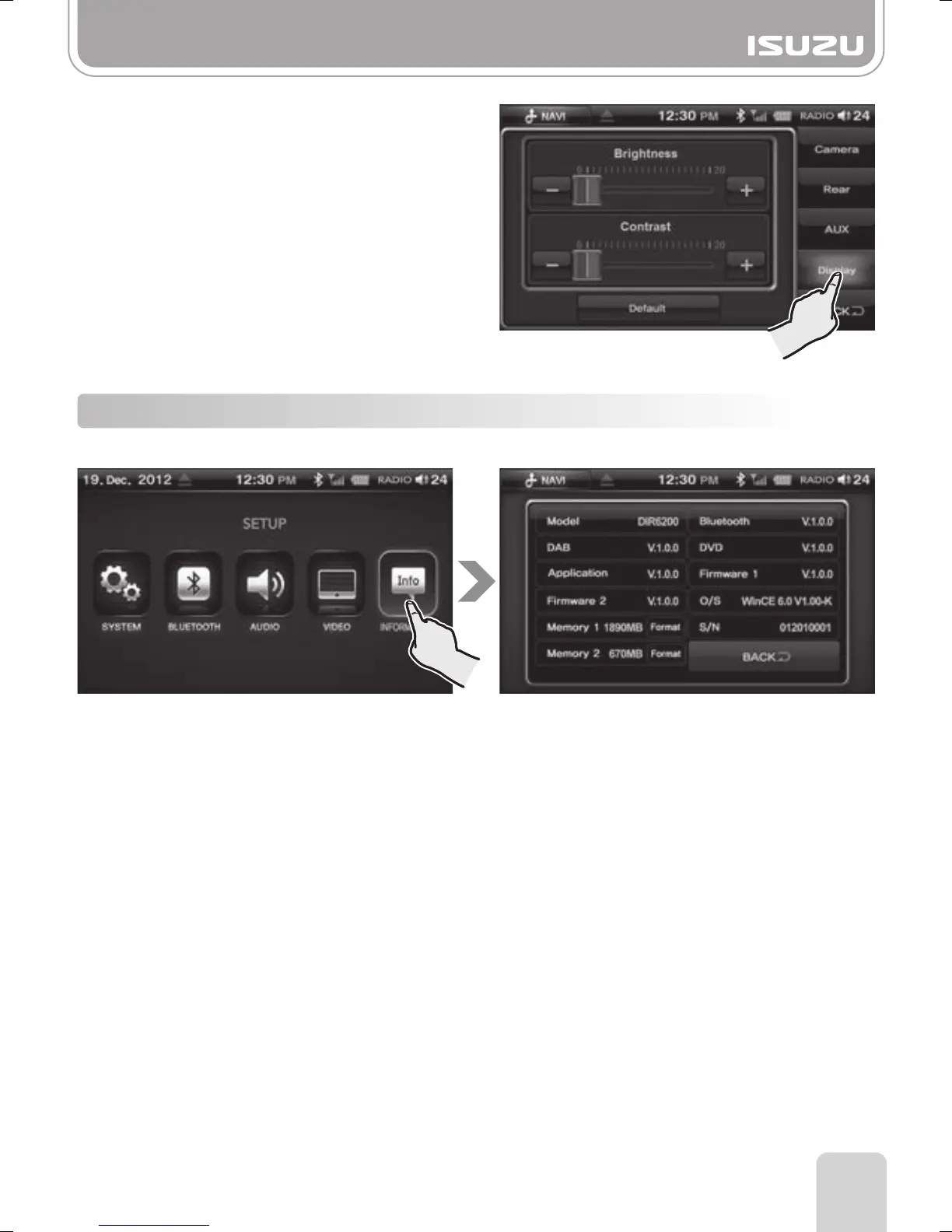
Press the INFORMATION Button on the SETUP mode screen.
This will display version numbers of the operating system and applications.
3-5 Information
Part 3.Setup Functions
●Display
A. Select the Display button on the right.
B. The Display Settings window appears.
C. Set the Brightness and Contrast of the
screen to your desired level.



 To Next Page