35
Part 7.DVD Functions
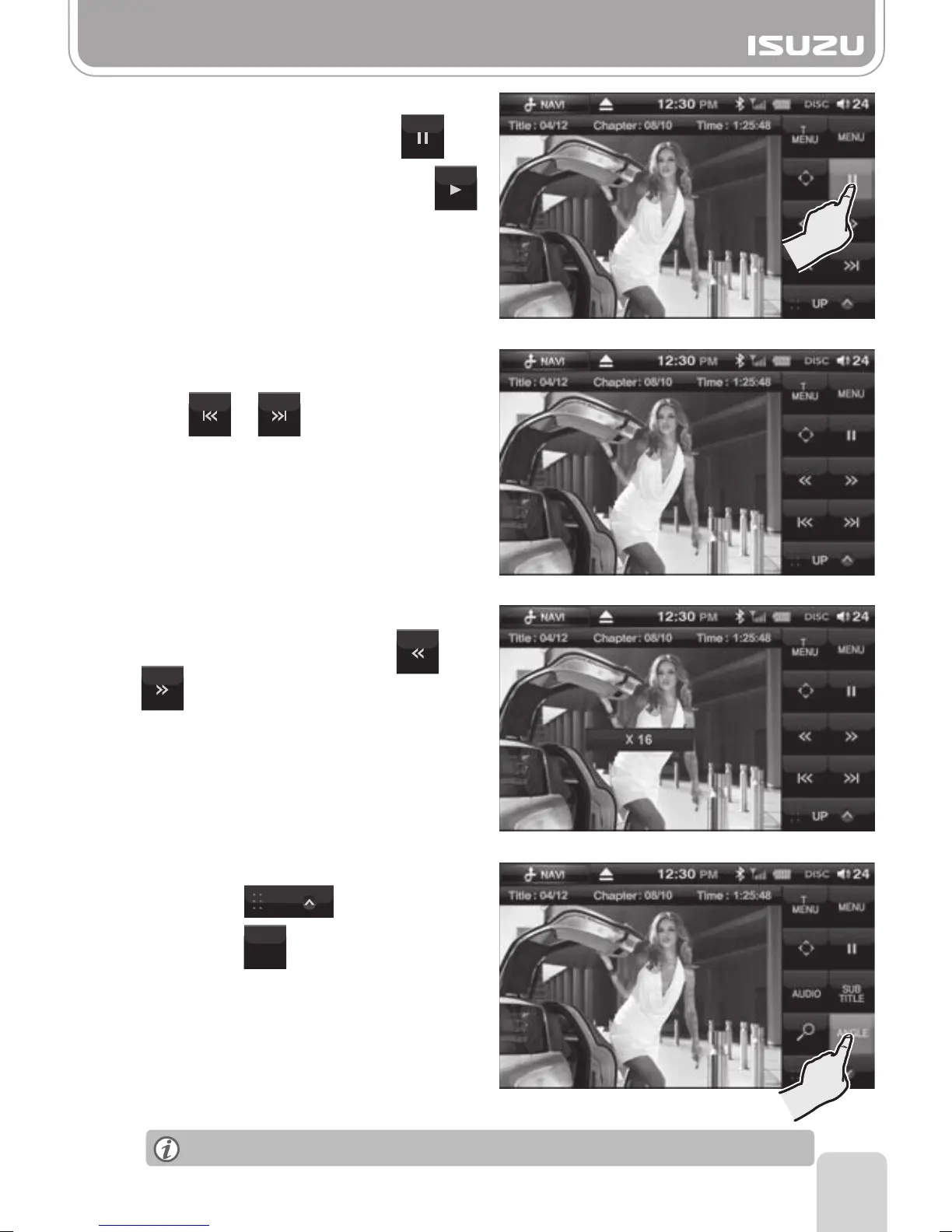
●Pause/Play
A. To pause the DVD, press the
button on the display.
B. To begin playing again, press the
button on the display.
●Skipping Chapters
To move to the next or previous chapter,
press or on the display.
●Playing the Current Chapter Fast
To fast forward or rewind press or
whilst the DVD is playing.
After each press the speed will increase or
decrease x2, x4, x8, x16. The speed will
be displayed on the center of the screen.
●Angle Settings
C. This displays the currently selected
angle settings.
B. Press the button.
Select the desired angle by pressing
the Angle Button multiple times.
This function is only possible for DVD titles with multiple angles.
A. Press the button.
ANGLE
UP



 To Next Page