67
15-1. AUX mode
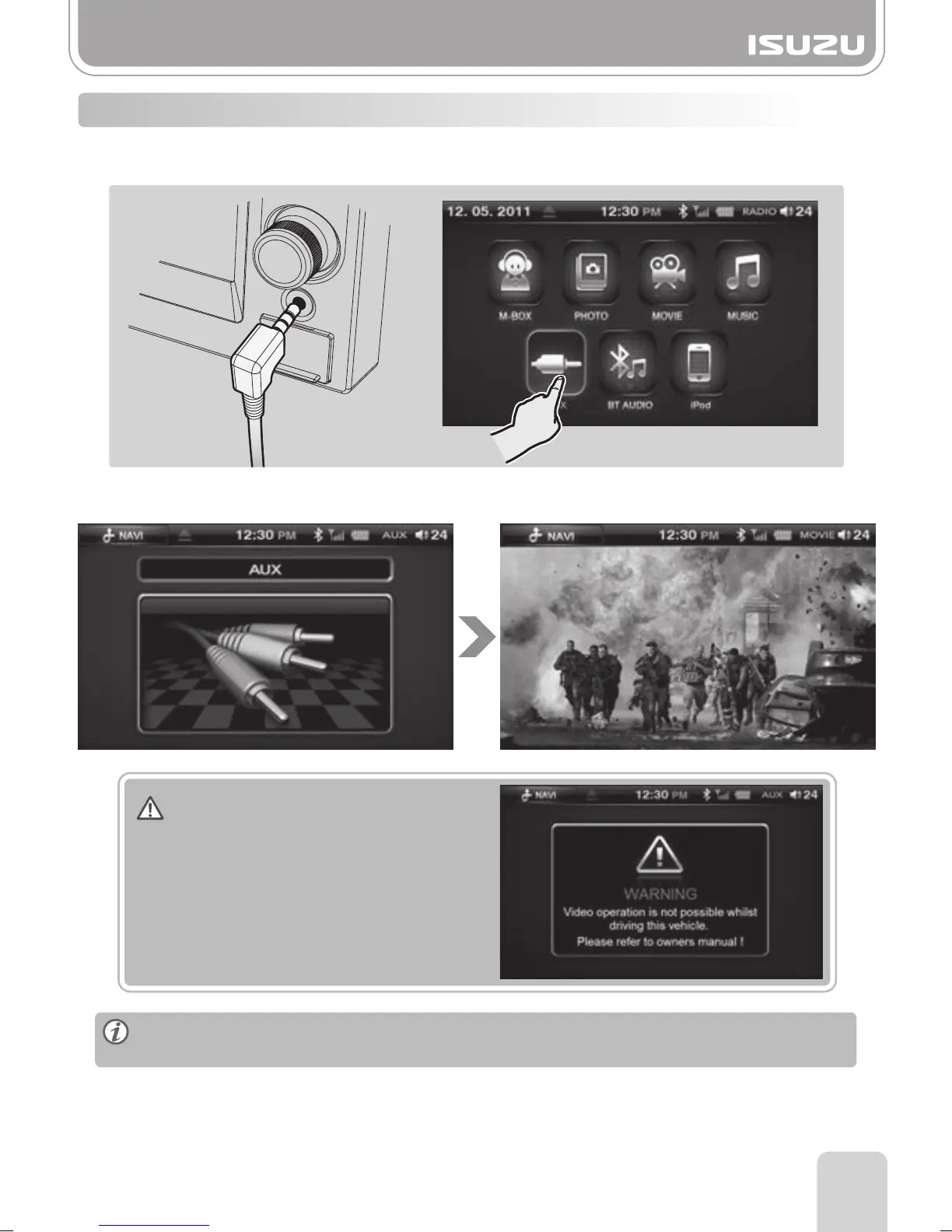
1. To play Audio and Video via external devices with 3.5mm headphone jack or line out
connect to the 3.5mm socket at the unit. (See page 80 for optional auxiliary cable)
2. Press the AUX button in the main menu to proceed to the Auxiliary mode.
When playing video through AUX, please ensure video is PAL format otherwise picture
may be distorted or not shown at all !
For your safety, this unit does not support
video clip replay whilst you are driving.
Warning
Part 15.AUX mode



 To Next Page