42
Part 9.DATA DISC Functions
●Pause/Play
To pause a movie, press the pause button on the display.
To begin playing again, press the play button on the display.
To move to the next or previous file press or on the display.
Touch the screen to enter full screen.
●Forwarding and Rewinding with the Progress Bar.
●Expanding and Reducing the Movie screen
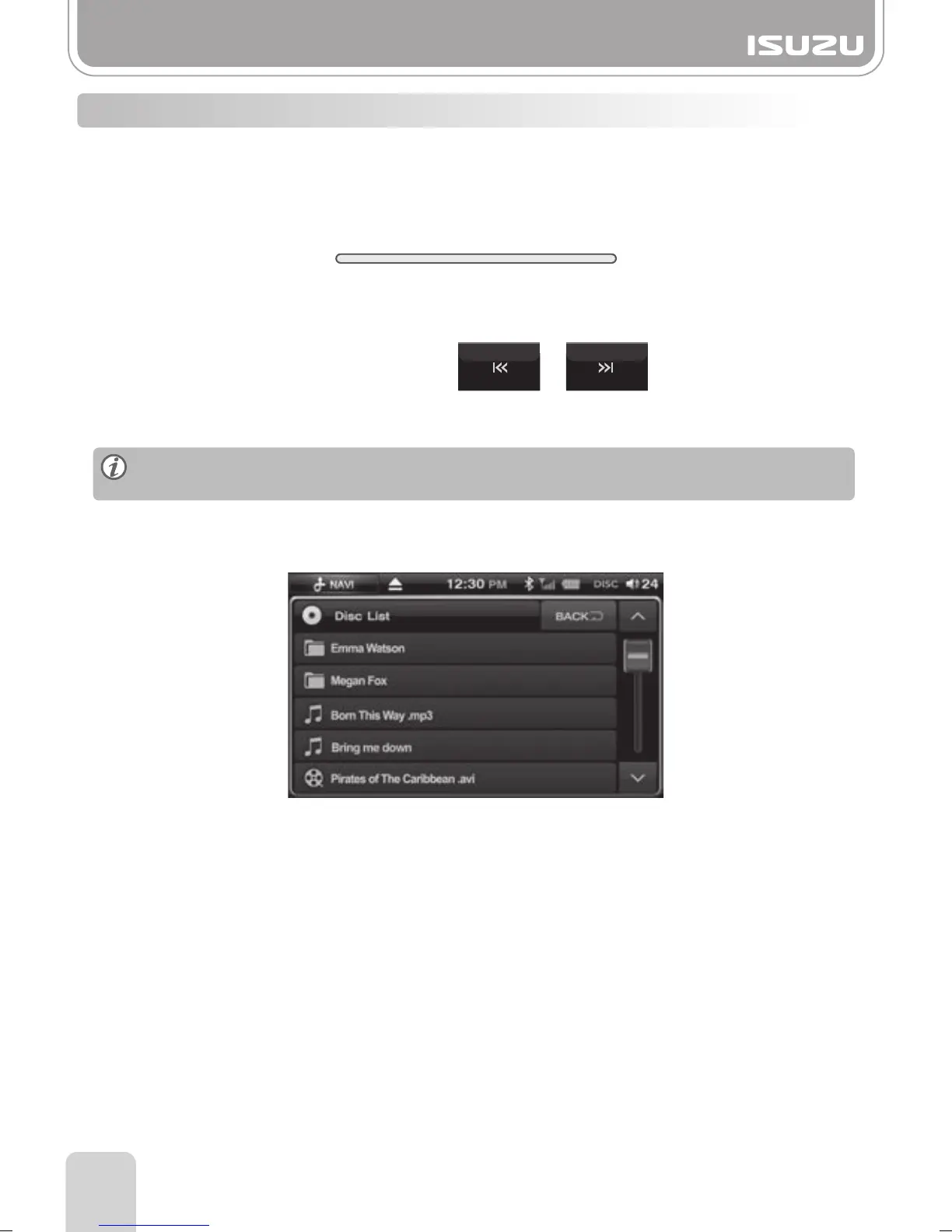
●Choosing the File from the Folder List
●Choosing the File
To fast forward or rewind press the progress bar whilst the file is playing.
A. Press the Folder list button and file list will be displayed.
B. You can search the files by pressing the scroll arrow buttons up or down.
C. The selected file number appears on the window and the movie starts to play.
Each time you touch the screen, the screen will move back and forth between full
screen and previous menu screen.
9-4. MOVIE Mode Basic Actions
00:00 00:00



 To Next Page