26
Part 4.Radio Functions
■
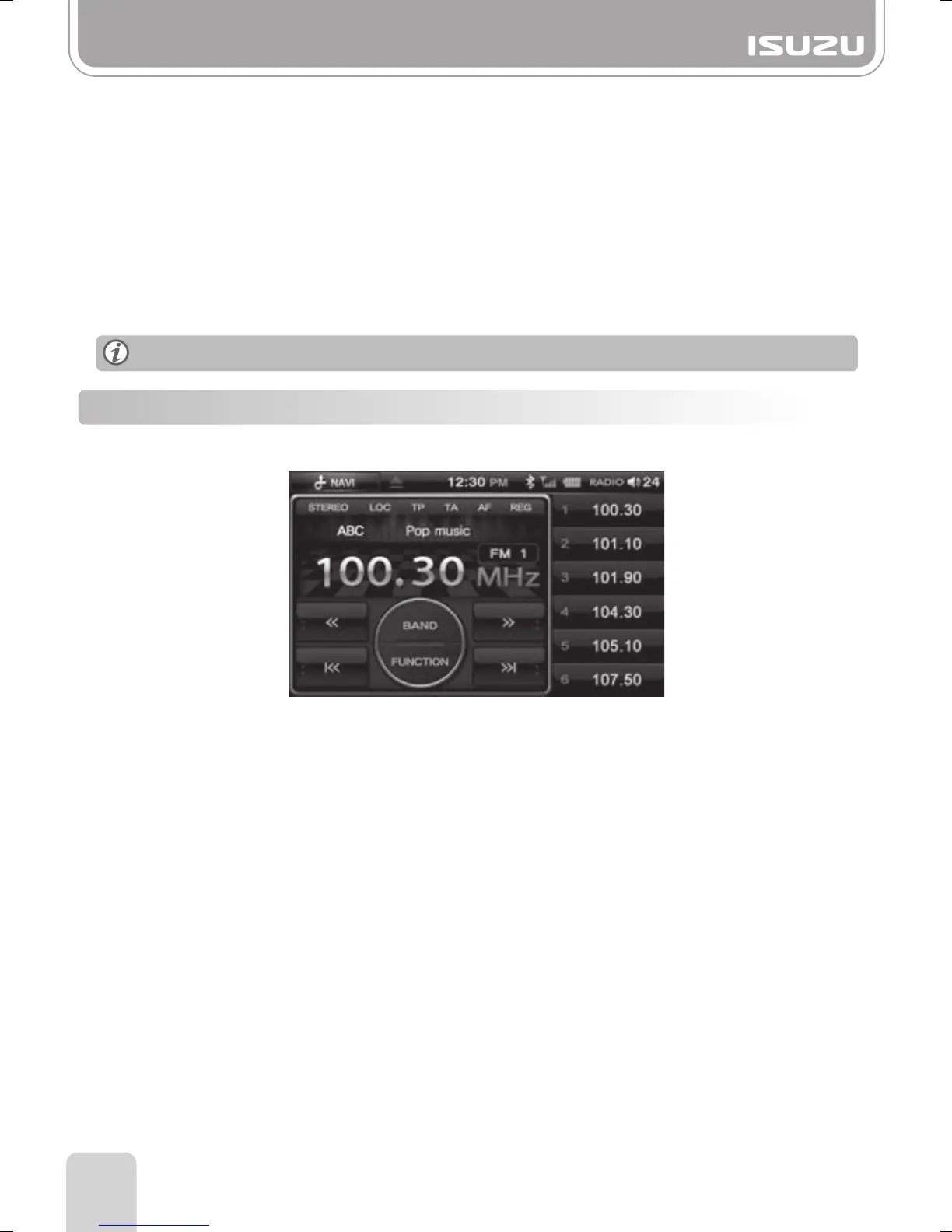
TA : Turns TA (Traffic Announcements) on/off.
If turned on, traffic broadcasting will be automatically played over the current mode.
When the traffic broadcast ends, the unit returns to the current mode.
Does not operate in AM Mode.
■
REG : Turns REG(Regional) on/off. With REG On, you can only choose Regional broadcasts.
With REG Off, you can choose both Regional and National broadcasts.
■
AF : Alternative Frequencies for the same station. Turns AF on/off.
If turned on, the unit attempts to seamlessly keep playing the current station as you
keep moving through an area.
This occurs even if the broadcasting station broadcasts on different frequencies through
those areas.
TP/TA/AF/REG may not function in some areas.
4-3. Searching for AM/FM Frequencies
●Finding Frequencies from the Preset List
●Saving a frequency to Preset
A. You can save the station you are currently listening to via the preset buttons 1~6.
B. Begin searching for a desired frequency then press and hold the required preset button
until the frequency is saved.
This function allows you to select AM/FM frequencies you’ve saved previously.
A. On the radio display, choose your desired frequency by pressing Preset button 1~6.
B. The selected frequency will appear on the display.



 To Next Page