78
Specifications
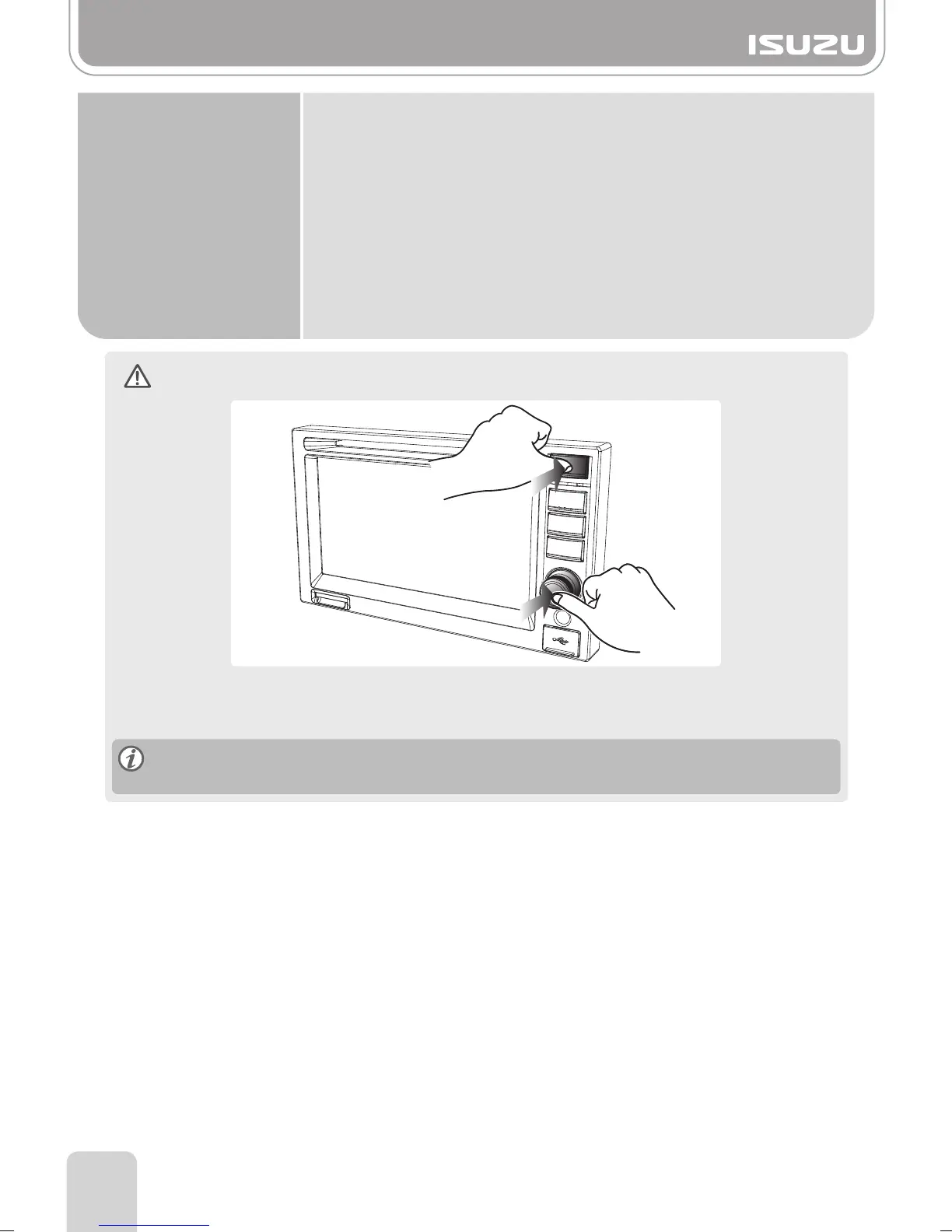
Reset procedure
In the case of software malfunction, the ISUZU multimedia unit can be reset.
Press the Power knob and Home button at the same time.
All saved time and radio frequencies, etc. in AVN will be lost after reset.
Please reset the time and radio station.
Function
●
SD / USB
►
SD Card Slot : SD Card Slot
►
USB Socket ( USB 2.0 Host Port) : iPod Support, USB Memory & USB HDD Support
Supports FAT 12/16/32 file system for USB device
USB : Max 5V, 1.5A (total)
►
Output
Audio 4ch Output (FR/FL/RR/RL)
Audio lineout level : Lineout Level : 5Vrms/4ch (typical) for external amplifier
Rear A/V Out : 2Vrms/2ch
Ripping(Record ) : OGG
M-BOX, TPMS, Rear Sensor, Indicator, Telematics
Rear Camera : 4CH Input



 To Next Page