58
Part 12.Photo Mode via USB/SD
●Choosing the File.
To move to the next or previous file press or on the display.
●Expanding and Reducing the Photo screen
Touch the screen to enter full screen.
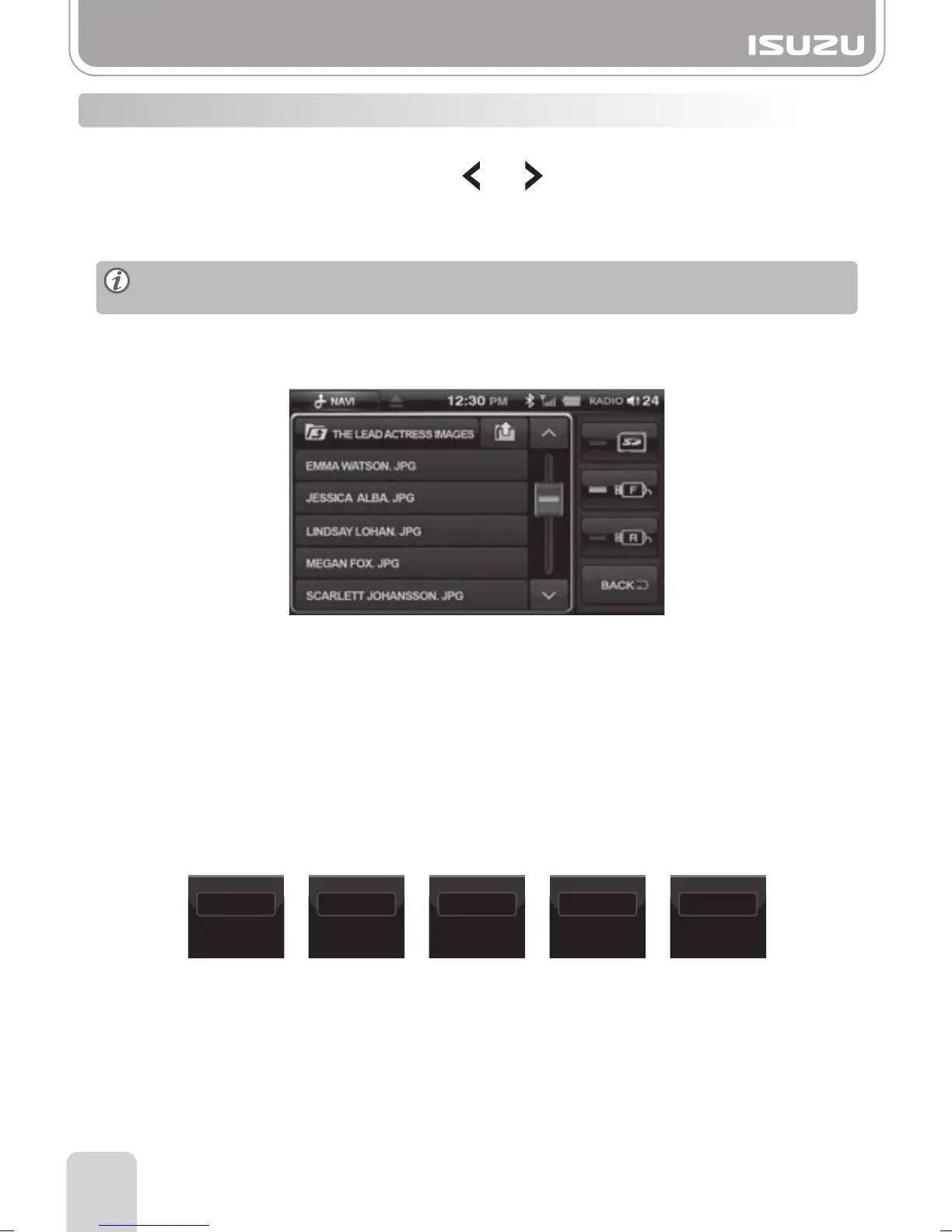
●Choosing the File from the Folder List
A. Press the Folder list button and file list will be displayed.
●Slideshow
A. Press the slideshow button.
Set the Show Time on the left.
Each time you press the Show Time button the show time will change.
B. The next photo will be automatically displayed after the set time is reached.
12-3. PHOTO Mode Basic Actions
Each time you touch the screen, the screen will move back and forth between full
screen and previous menu screen.
B. You can search the files by pressing the scroll arrow buttons up or down.
C. Press and drag the scroll button up or down.
D. You can see an image by selecting a file.
3 Sec
SHOW TIME
6 Sec
SHOW TIME
9 Sec
SHOW TIME
12 Sec
SHOW TIME
15 Sec
SHOW TIME



 To Next Page