46
Part 10.iPod Functions
■
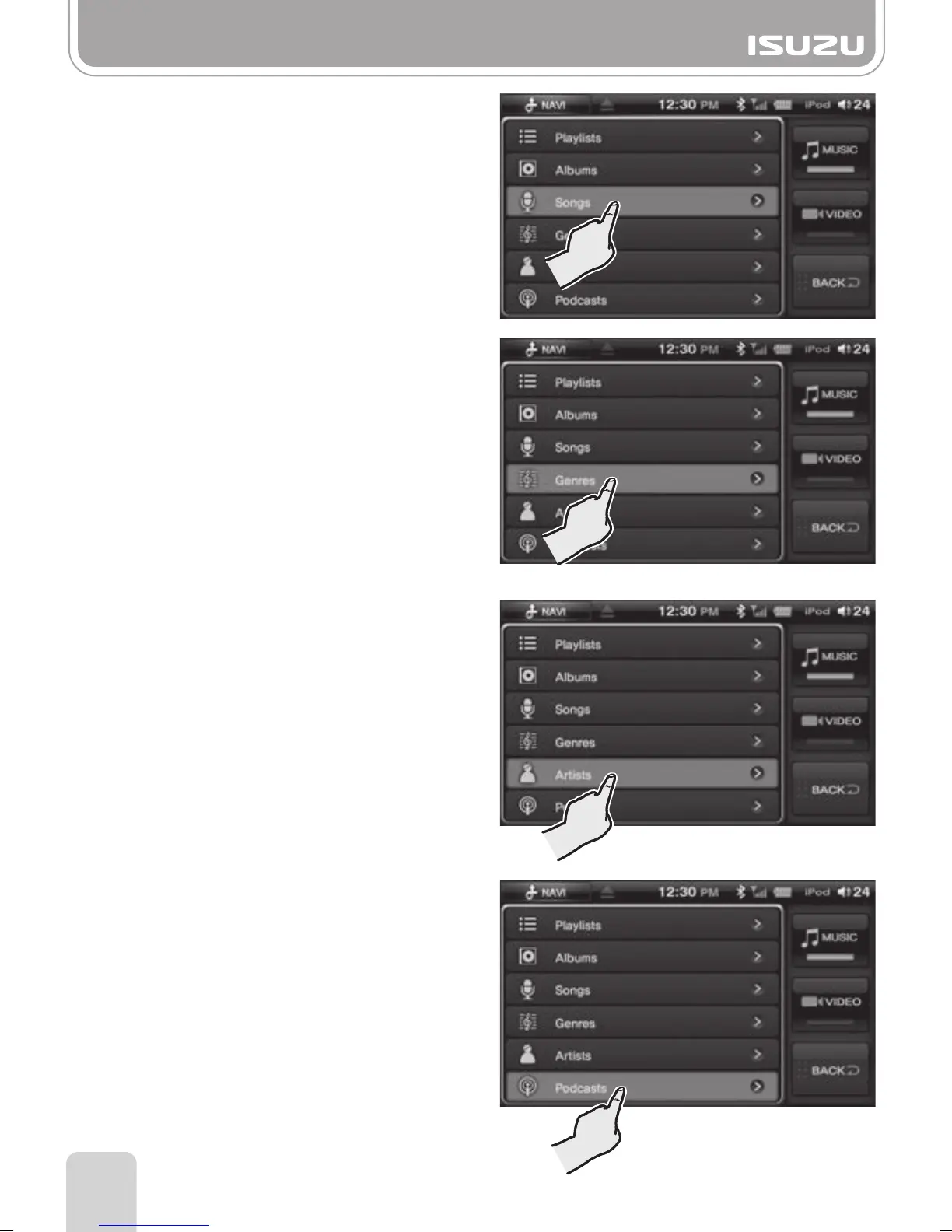
Searching by Song
A. Select the Songs button in the
[iPod Menu display].
B. Search and select the song you
require.
■
Searching by Genre
A. Select the Genres button in the
[iPod Menu display].
B. Find and select the genre you require.
C. Within the genre, select an artist.
D. Within the artist, select an album.
E. Finally, select a song within the album.
■
Searching by Artist
A. Select the Artists button in the
[iPod Menu display].
B. Search and select the artist you
require.
C.Select an album.
D.Select a song.
■
Searching by Podcasts
A. Select the Podcasts button in the
[iPod Menu display].
B. Search and select the file you
require.



 To Next Page