Basic functions quick guide
Adjusting the current transformer
Switch to the programming mode:
• Press button 1 and 2 simultaneously for around
1 second to switch to the programming mode.
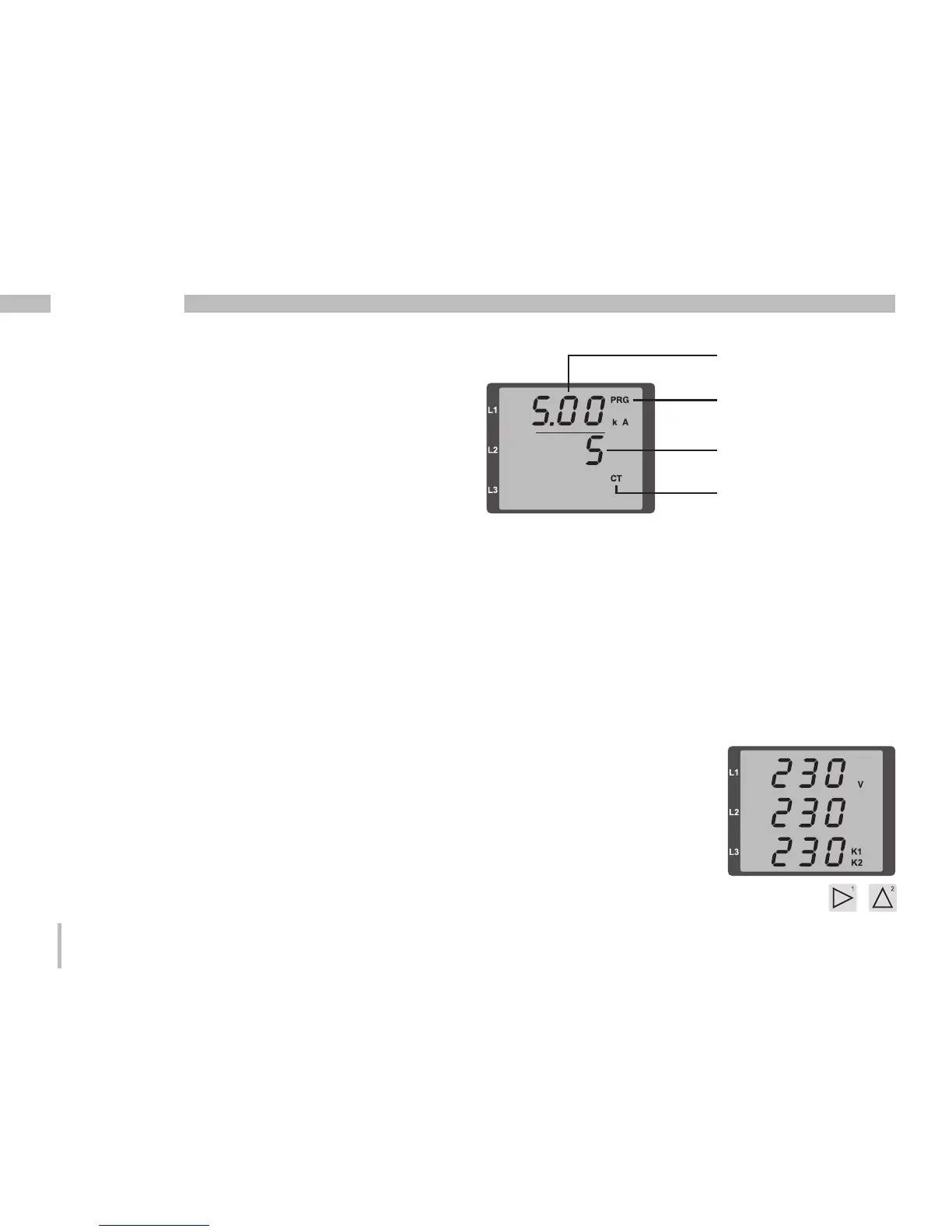
The symbols for the programming mode PRG
and the current transformer mode CT appear
on the display.
• Press button 1 to confirm the selection.
• The first digit of the input field for the primary current
is flashing.
Adjusting the primary current
• Press button 2 to change the flashing digit.
• Press button 1 to select the next digit to be changed.
The selected digit to be changed is flashing.
If the entire number is flashing, press button 2 to move
the decimal point.
Adjusting the secondary current
• Only 1A or 5A can be set as secondary current.
• Press button 1 to select the secondary current.
• Press button 2 to change the flashing digit.
Exit programming mode
• Press button 1 and 2 simultaneously for around 1
second to switch to the display mode.
View measured values
Switch to the display mode:
• If you are still in the programming mode (PRG and
CT icons displayed on the screen), press button 1
and 2 simultaneously for around 1 second to switch
to the display mode.
• A measured value display (e.g. voltage) appears
Current transformer symbol
(in the programming mode
only)
Adjusting current transformer,
primary current
Display
Programming mode
Adjusting current
transformer, secondary
current
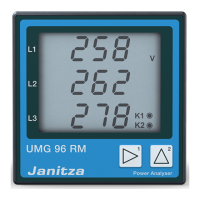
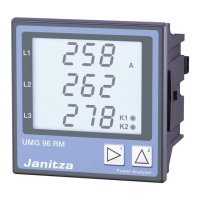
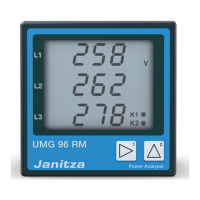
Button controls
• Press button 2 to change
the measured value display
for current, voltage, power,
etc.
• Press button 1 to change
the mean values, max.
values etc. associated with
the measured value.







 To Next Page