Programming the current transformer for I1 to I3
Switch to the programming mode
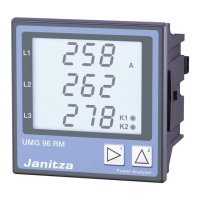
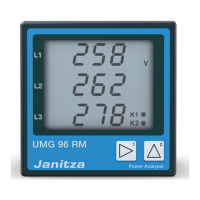
• Press button 1 and 2 simultaneously to switch
to the programming mode. If a user password was
programmed, the password menu appears in display
with the indication „000“. The first digit of the user
password is flashing and can be changed by pressing
button 2. Press button 2 to select the next digit while
it is flashing. You can get to the programming mode
after entering the correct code, or if no user password
was programmed.
• The symbols for the programming mode PRG
and the current transformer mode CT appear
on the display.
• Press button 1 to confirm the selection.
• The first digit of the input field for the primary current
is flashing.
Input of the current transformer primary current
• Press button 2 to change the flashing digit.
• Press button 1 to select the next digit to be changed.
The selected digit to be changed is flashing.
If the entire number is flashing, press button 2 to move
the decimal point.
Input of the current transformer secondary current
• Only 1A or 5A can be set as secondary current.
• Press button 1 to select the secondary current.
• Press button 2 to change the flashing digit.
Exit programming mode
• Press both buttons simultaneously to exit
the programming mode.








 To Next Page