Fig. Password query
Use button 1 and 2 to enter
a password (if any).
Fig. Current transformer
programming mode
Use button 1 and 2
to change primary
and secondary current
(see page 50).
Fig. Programming mode
Voltage converter
Use button 1 and 2
to change primary
and secondary voltage
(see page 51).
Programming parameters
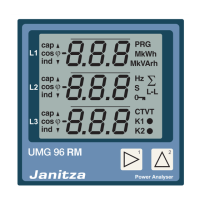
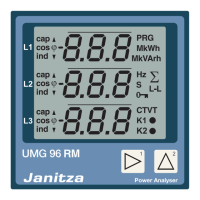
Switch to the programming mode
• Select in the programming mode as described.
The symbols for the programming mode PRG
and the current transformer mode CT appear
on the display.
• Press button 2 to go to the voltage transformer
settings. Press button 2 repeatedly to view the first
parameter in the list.
Changing parameters
• Press button 1 to confirm the selection.
• The last selected address and the corresponding
value is indicated.
• The first digit of the address is flashing and can
be changed by pressing button 2. Press button 1
to select and change the digit with button 2.
Change value
• If the desired address is set, press button 1 to select
a number of the value and change it by pressing
button 2.
Exit programming mode
• Press both buttons simultaneously to exit
the programming mode.
Fig. Programming mode
Parameter indication
Use button 1 and 2
to change individual
parameters (see page 46).








 To Next Page
