Display profile (Addr. 037)
Setting range: 0 .. 3
0 - Display profile 1, default value.
1 - Display profile 2, default value.
2 - Display profile 3, default value.
3 - Display profile, customizable.
C
The customizable profiles (display rotation
profile and display profile) can only
be programmed using the GridVis software.
C
Profile setting
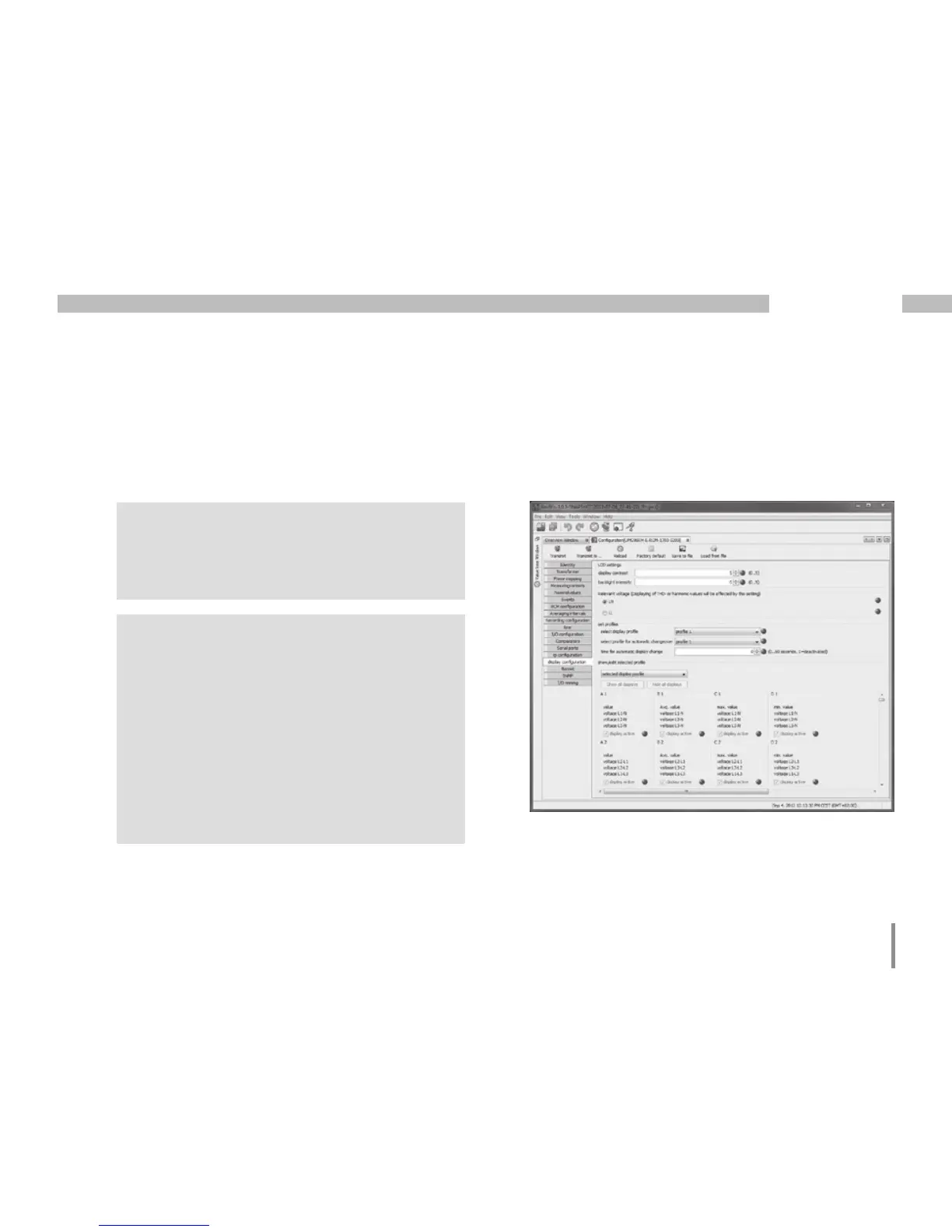
Both profiles (display rotation profile
and display profile) are illustrated
in the GridVis software. The profiles can be
adjusted using the Device Configuration
function of the software; customizable display
profiles are programmed individually.
A connection between the UMG 96RM-E
and the PC via an interface is required for
the use of the GridVis software
Fig. Profile setting in the GridVis software.







 To Next Page