95
VM9424
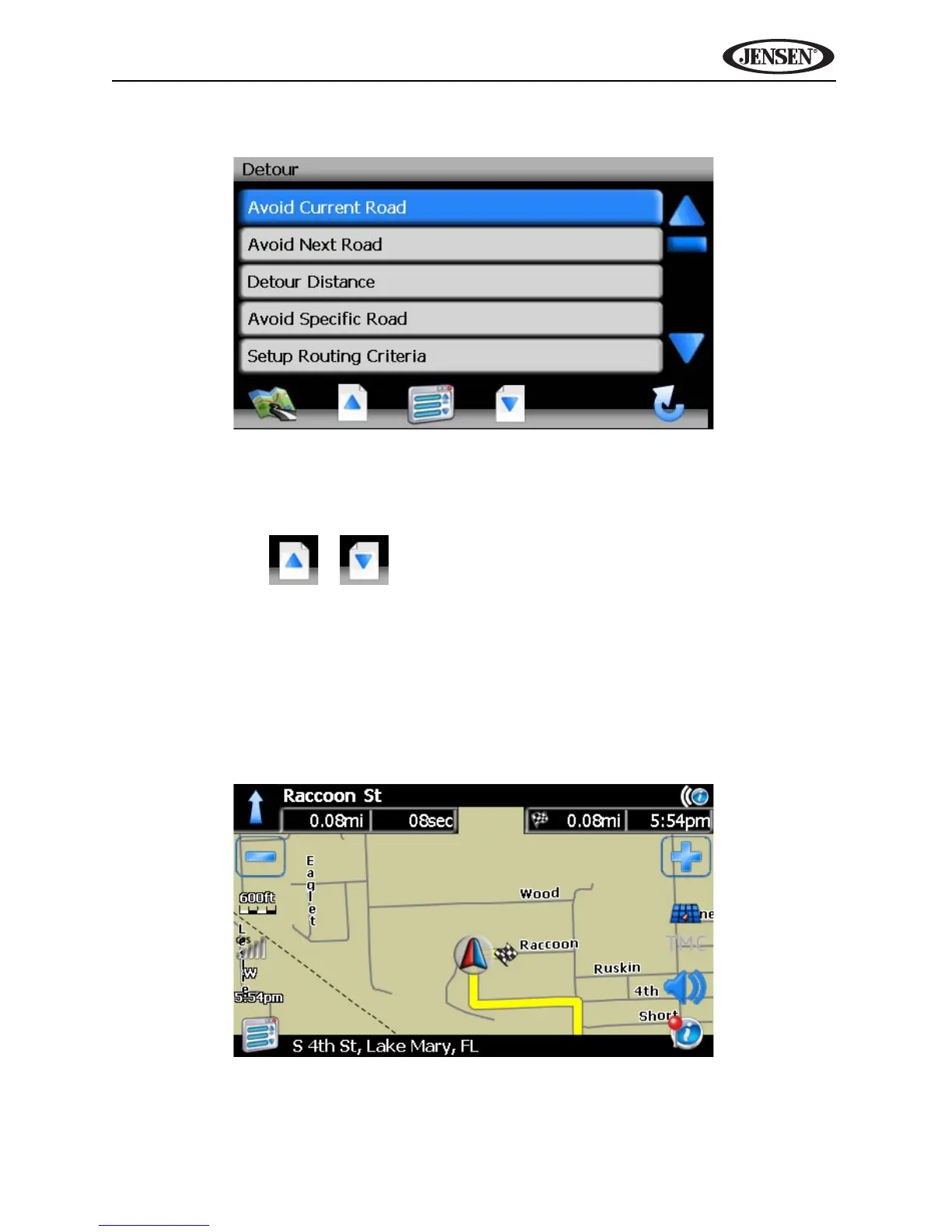
2. Press Detour to view the “Detour” screen.
3. Choose a parameter for the Detour from the on-screen list.
• Press the blue /\ / V arrow buttons or use the scroll bar on the right
side of the screen to navigate the list.
• Use the / buttons to move through the list page by page.
4. The NavMate software will recalculate the route based on your chosen
Detour informa ion.
Arriving at your Destination
When you are near your destination, the destination is indicated by a
checkered flag symbol. A voice prompt will announce that you are
approaching your destination.



 To Next Page