78
VM9424
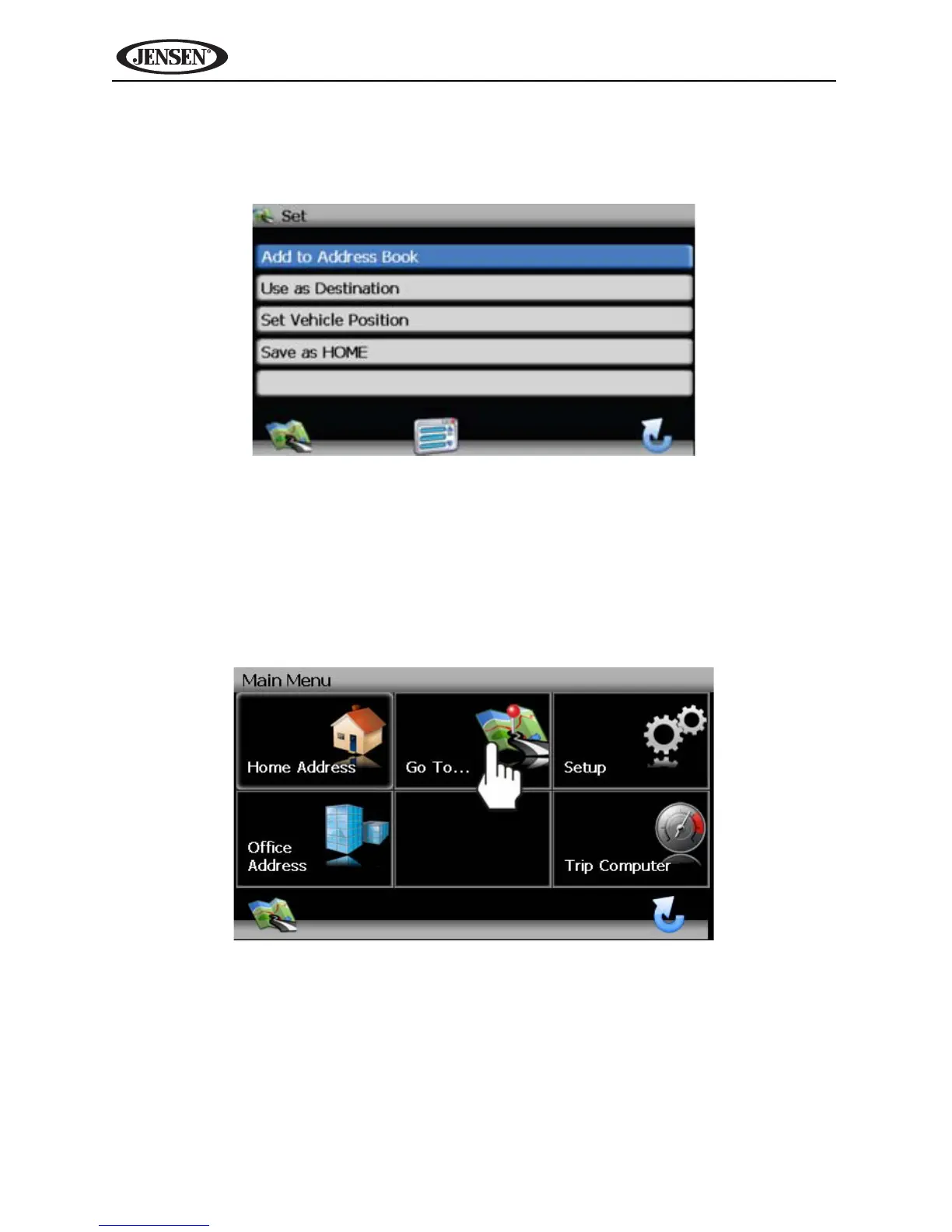
4. Touch the address to view the “Set” screen, where you can choose to set
the address as your destination, your home address, or your vehicle
position or choose to add this location to your address book.
Navigating to a Recent Location
Previous destinations are automatically saved to memory as “History”. This
feature helps you quickly locate the address of and return to a previous
destination. The origin of the last calculated route is also stored for easy return
to your starting point.
1. From the “Main Menu”, select Go To....



 To Next Page