67
VM9424
Function Buttons
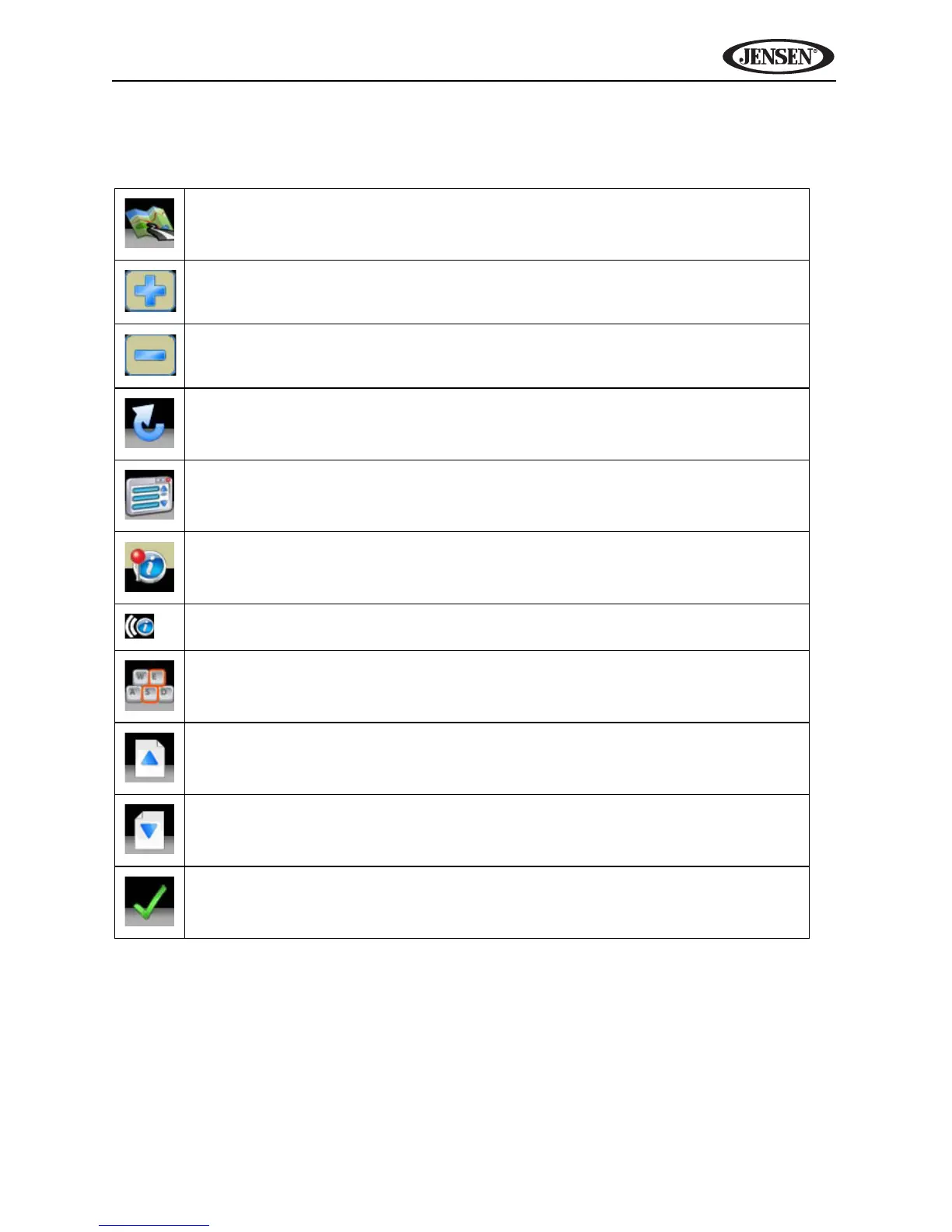
Table 2: Common Command Buttons
Press the map icon to view your current location on the map or to return to
map mode.
Zoom in the map to show a smaller area.
Zoom out the map to show a larger area.
Press the return icon on any screen to return to the previous screen.
Press the Menu icon to access the Main Menu.
After panning map, press to view a list of locations near the selected posi-
tion.
Press to repeat voice prompt.
Press to view the keyboard for direct entry.
Press to go up one page while viewing a list.
Press to go down one page while viewing a list.
Press to begin search based on the selected parameters.



 To Next Page