86
VM9424
1. Press the button
2. Press Sort by Distance or Sort by Name to retrieve a list of POI’s within
the parameters you entered.
• Press the blue /\ / V arrow buttons or use the scroll bar on the right
side of the screen to navigate the list.
• Use the / buttons to move through the list page by page.
3. Press to select a POI destination and access the “Start Route” screen.
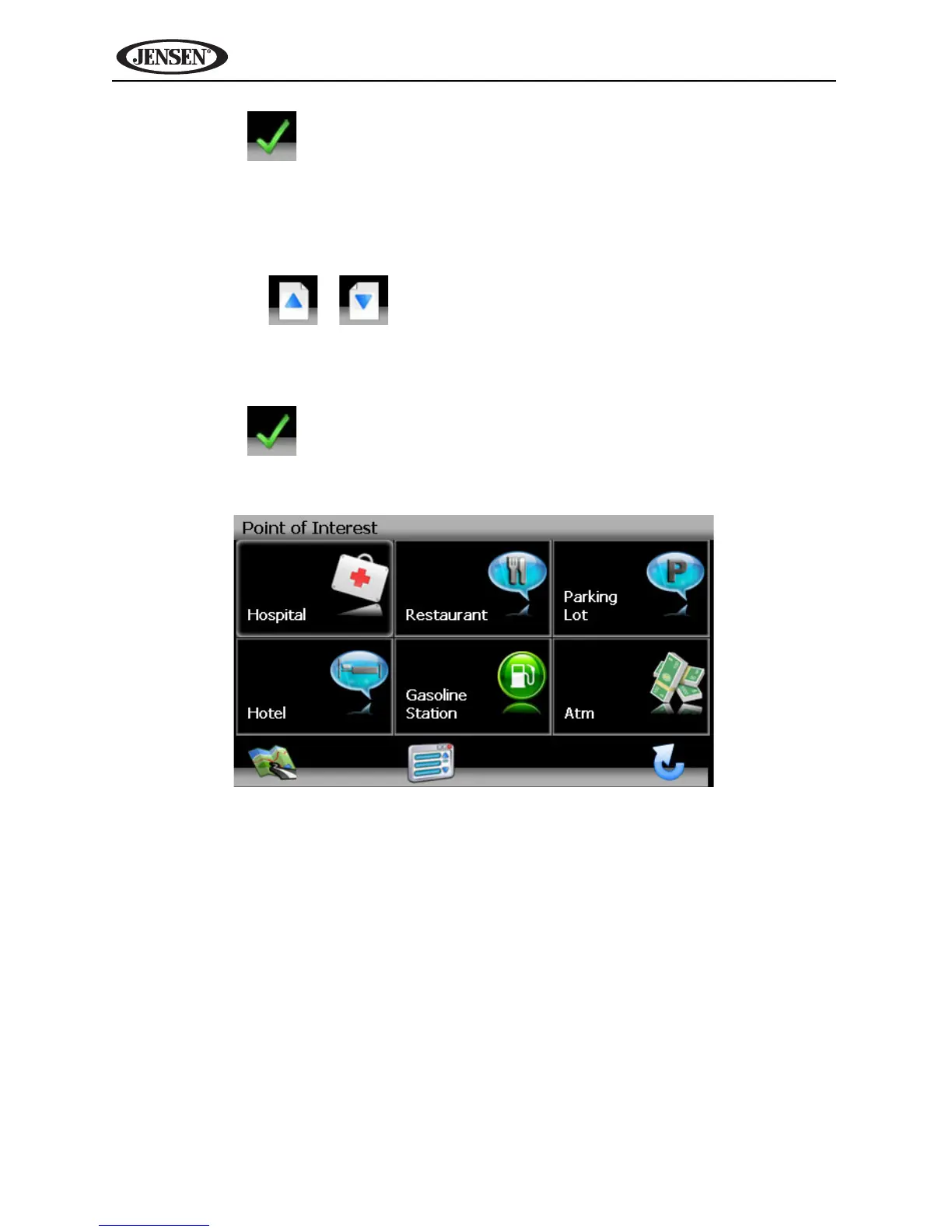
Browsing POI Destinations
1. Press the button to display a menu of six common POI categories
from which you can choose.



 To Next Page