32
VM9424
Direct Track Entry
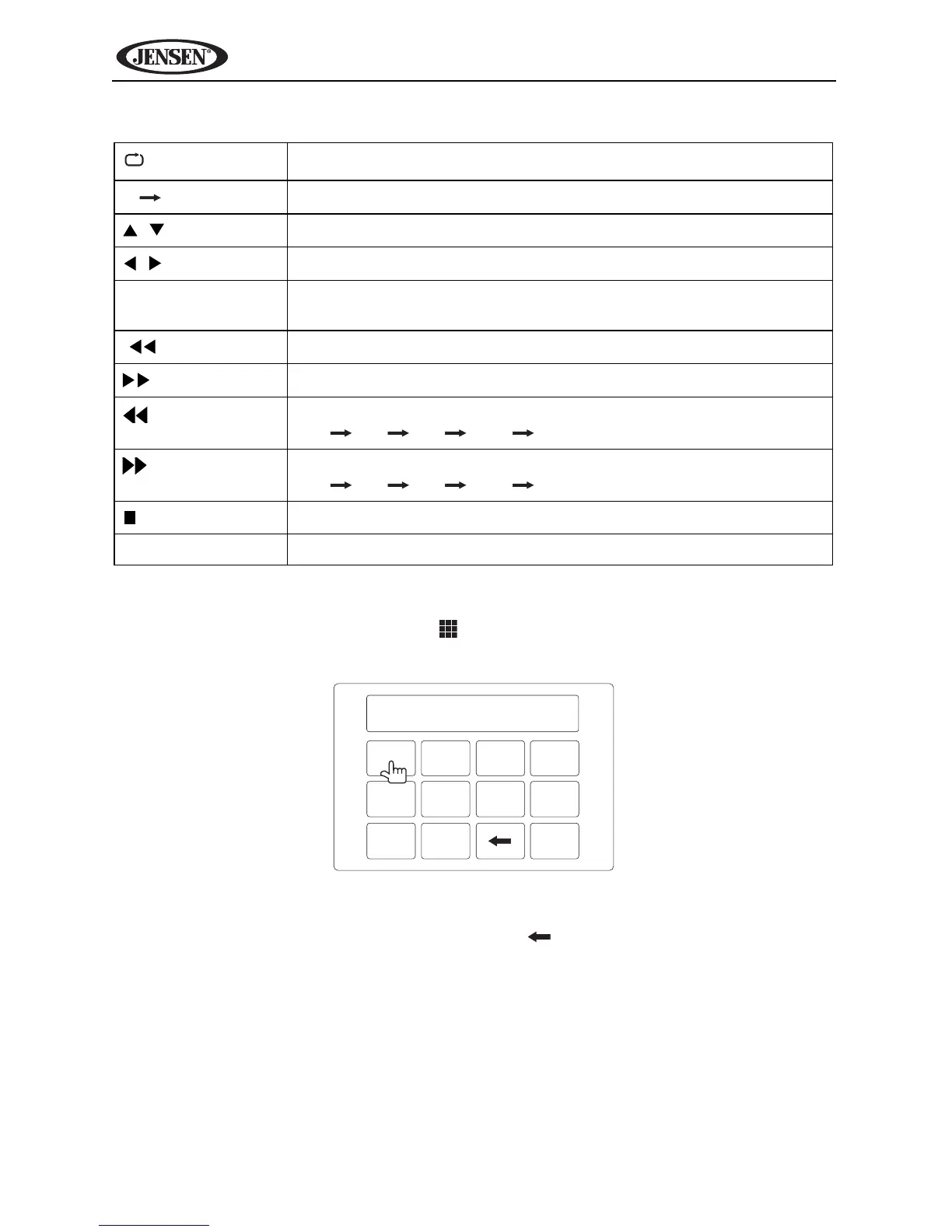
To select a track directly, touch the button on screen to display the direct
entry menu.
Enter he desired track using the on-screen number pad. Press OK to play the
selected track number. To backspace, touch .
Table 7: CD/DVD/MP3 Audio Remote Control Functions
Press once to repeat song, twice to repeat album
AB
Repeat playback from time frame A to time frame B
,
Up/down track list
,
Page up/page down
OK Select highlighted option or resume playback when paused/
stopped
|
Play previous track
|
Play next track
Fast reverse
(x2 x4 x8 x16 Play)
Fast forward
(x2 x4 x8 x16 Play)
/ BAND
Stop (press OK to resume playback)
1-9, 0 (Keypad) Direct enter track number for playback



 To Next Page