81
VM9424
Choosing a Location from your Address Book
1. On the “Main Menu”, press Go To....
2. On the “Go To...” menu, press Favorites.
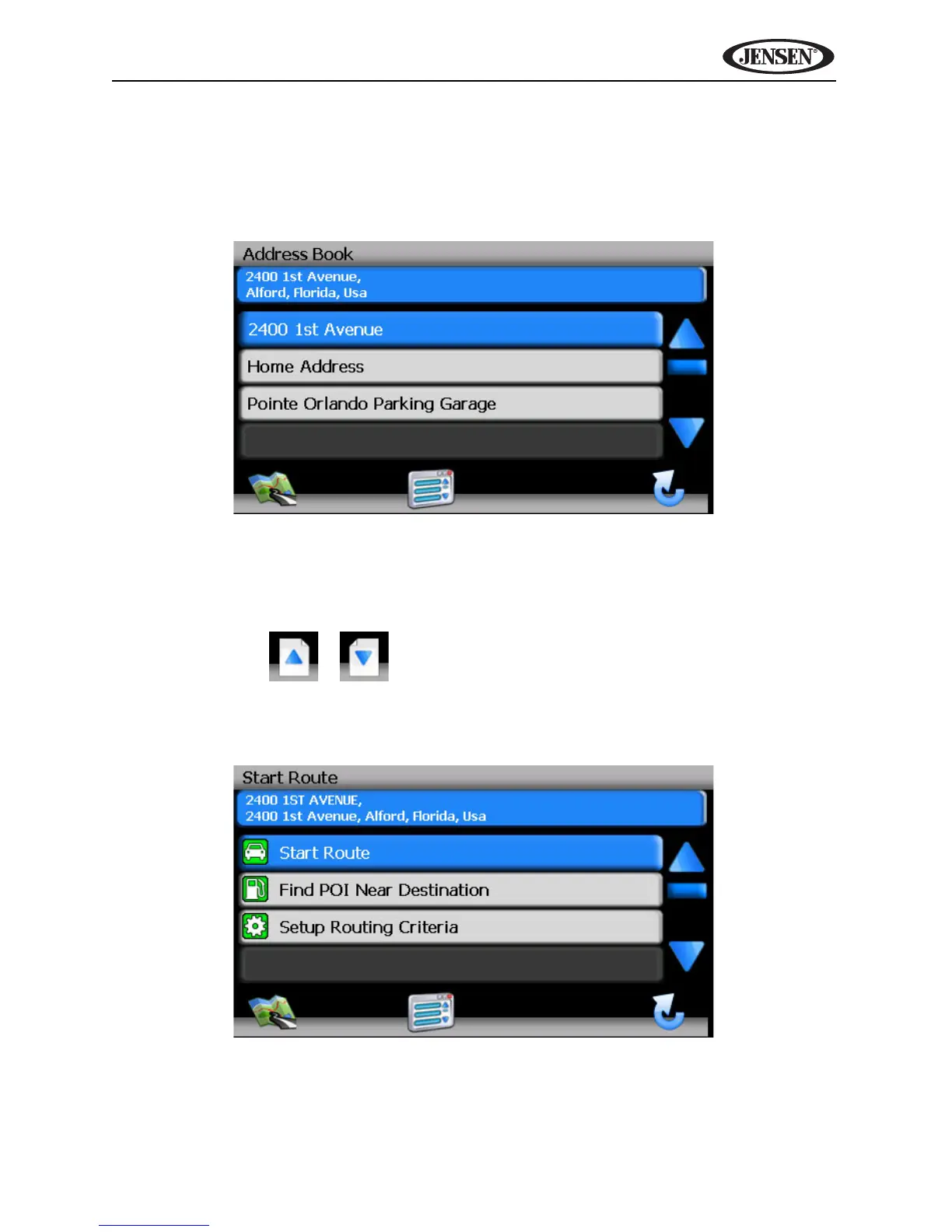
3. Press Address Book to view a list of Address Book entries.
4. Select an Address Book entry.
• Press to highlight an Address Book entry.
• Press the blue /\ / V arrow buttons or use the scroll bar on the right
side of the screen to navigate the list.
• Use the / buttons to move through the list page by page.
5. Press Start Route to begin navigating to the chosen Address Book
destination.



 To Next Page