49
VM9424
VIEWING JPEG PHOTOS
JPEG images stored as individual images or stored in folders can be accessed
using the DISC/SD/USB interface. When a disc/card is loaded and read by the
unit, the root menu will display the contents of the disc. Press the folder image
to view the contents of a folder. Individual images can be accessed using the
touch screen or remote control directional arrows.
When a disc or card containing JPEG images is loaded in the unit, he root
menu appears automatically, displaying the contents of the disc.
Touch the folder name or use the directional keys ( , , , ) on the remote
control to navigate the JPEG menu. Touch the image name or Press the OK
button on the remote control to select the image you want to view. The JPEG
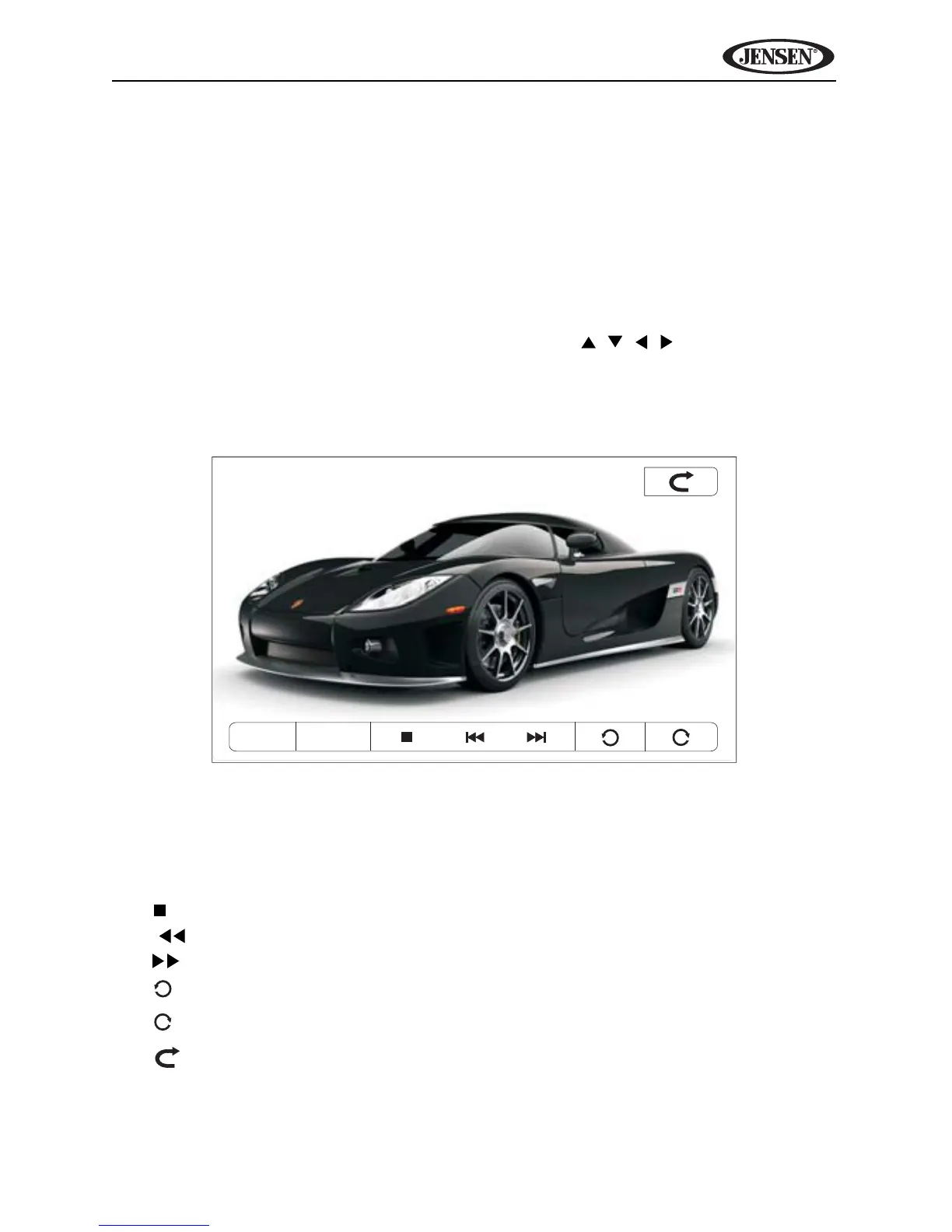
playback screen is shown below.
While viewing photos, touch the screen to access the following on-screen
controls:
• MENU: View JPEG thumbnail menu (touch thumbnail to view)
• INFO: View on-screen playback information
• : Stop and return to JPEG folder menu
• | : View previous image
• |: View next image
• : Rotate image counter-clockwise
• : Rotate image clockwise
• : Exit JPEG mode and view Source menu
MENU INFO



 To Next Page