20
VM9424
Touch Buttons
• | : Seek tuning lower
• : Incremental tuning lower
• Scan: Scan the AM or FM band for a preview of available stations in your
area
• : Incremental tuning higher
• |: Seek tuning higher
• Band: Select band
• AS/PS: Press once for preset station scan or press and hold to
automatically store six strong stations in the current band
• PTY: View program type categories on right side of the screen (touch
program type desired to scan for corresponding stations)
• Loc/DX: Toggle local/distant station reception
• / : Expand/collapse additional menu options
• / : Page up/page down
• : Equalizer adjustment screen
• : Bluetoo h access (when device is already paired)
Selecting FM/AM Band
Press the BAND button on the screen, or press the /BAND button on the
remote control (20) to select one of the following bands: FM1, FM2, FM3, AM1,
and AM2.
NOTE: See “Controls and Indicators” on page 5 for the location of
control panel buttons.
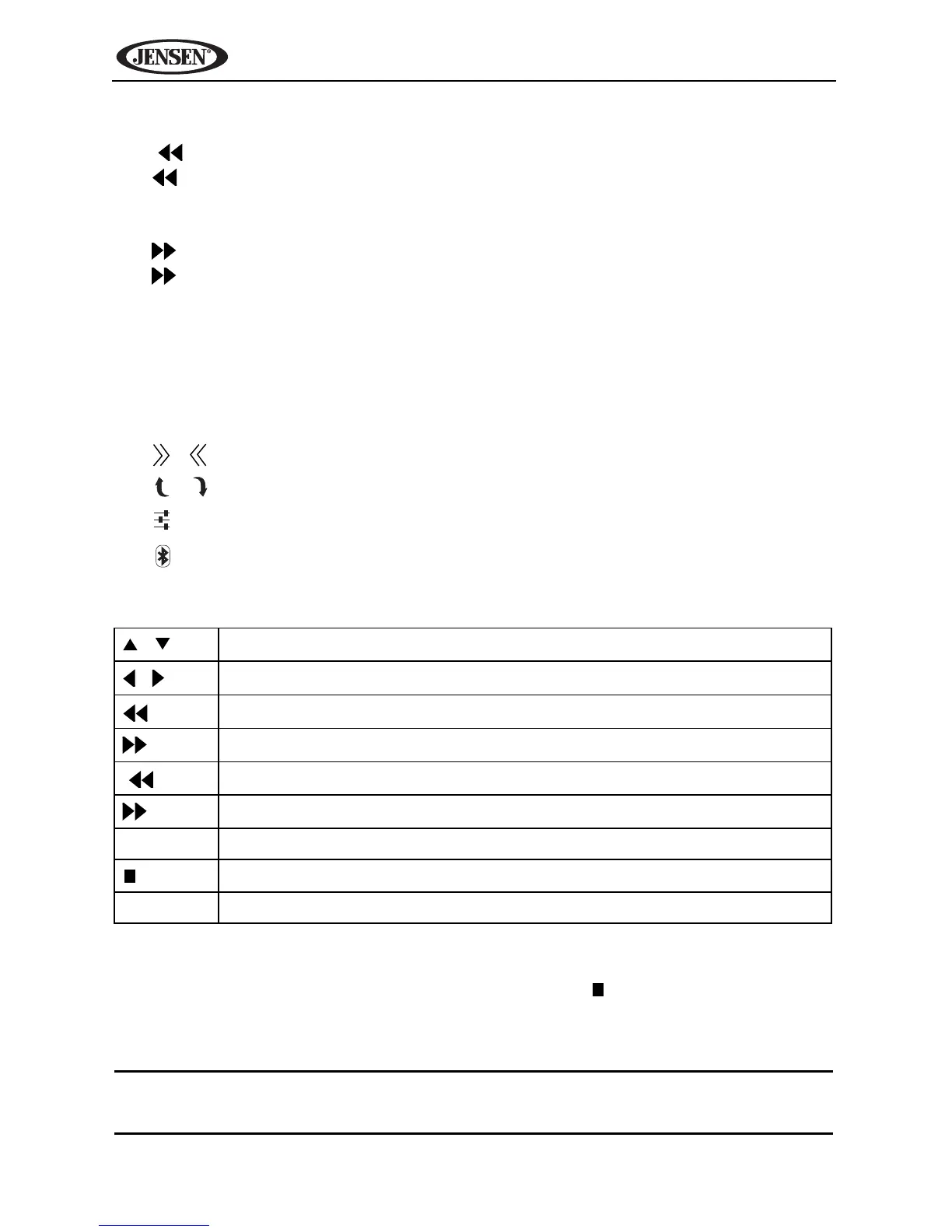
Table 3: Tuner Remote Control Functions
/
Navigate preset station list
/
Page down/up
Incremental tuning lower
Incremental tuning higher
|
Seek tuning lower
|
Seek tuning higher
1-6 Select preset channel in for current band
/ BAND
Select FM/AM band
SEL Access equalizer menu



 To Next Page