65
VM9424
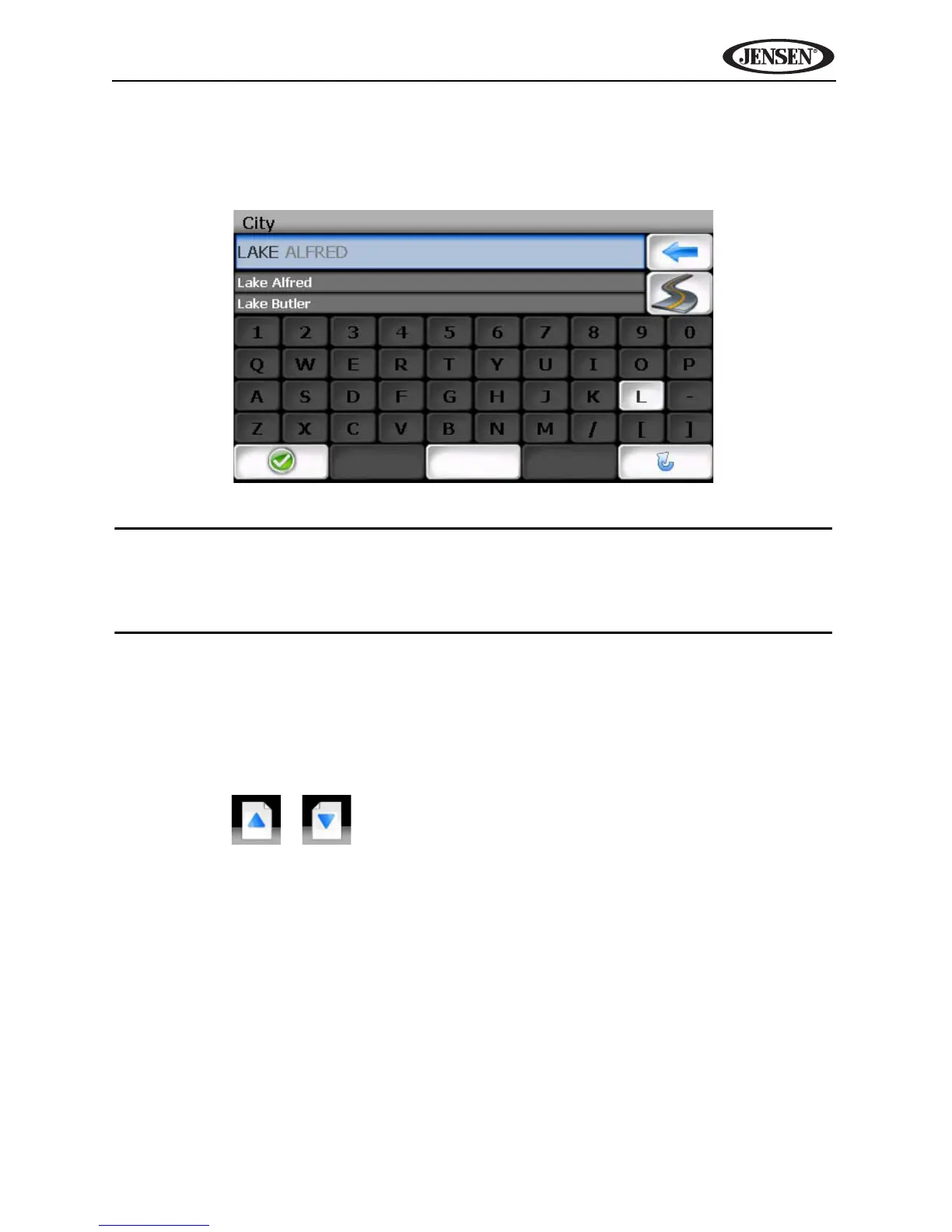
After entering the second character, only letters that can be used to spell an
existing destination will be available for selection of the third character, the
fourth character, and so on.
NOTE: On the keyboard screen, the “SPACE" button is located in the
bottom center of the screen. Press the Space button to complete the
search for entries with more than one word. For example, to locate Lake
Mary, enter "Lake_" and then the "M" will become available for selection.
Selecting from Lists
You will often find it necessary to select items from a list. When viewing a list,
the marked item appears highlighted in blue.
• Press the blue /\ / V arrow buttons or use the scroll bar on the right side of
the screen to navigate the list.
• Use the / buttons to move through the list page by page.
SPACE



 To Next Page