41
VM9424
Direct Track Entry
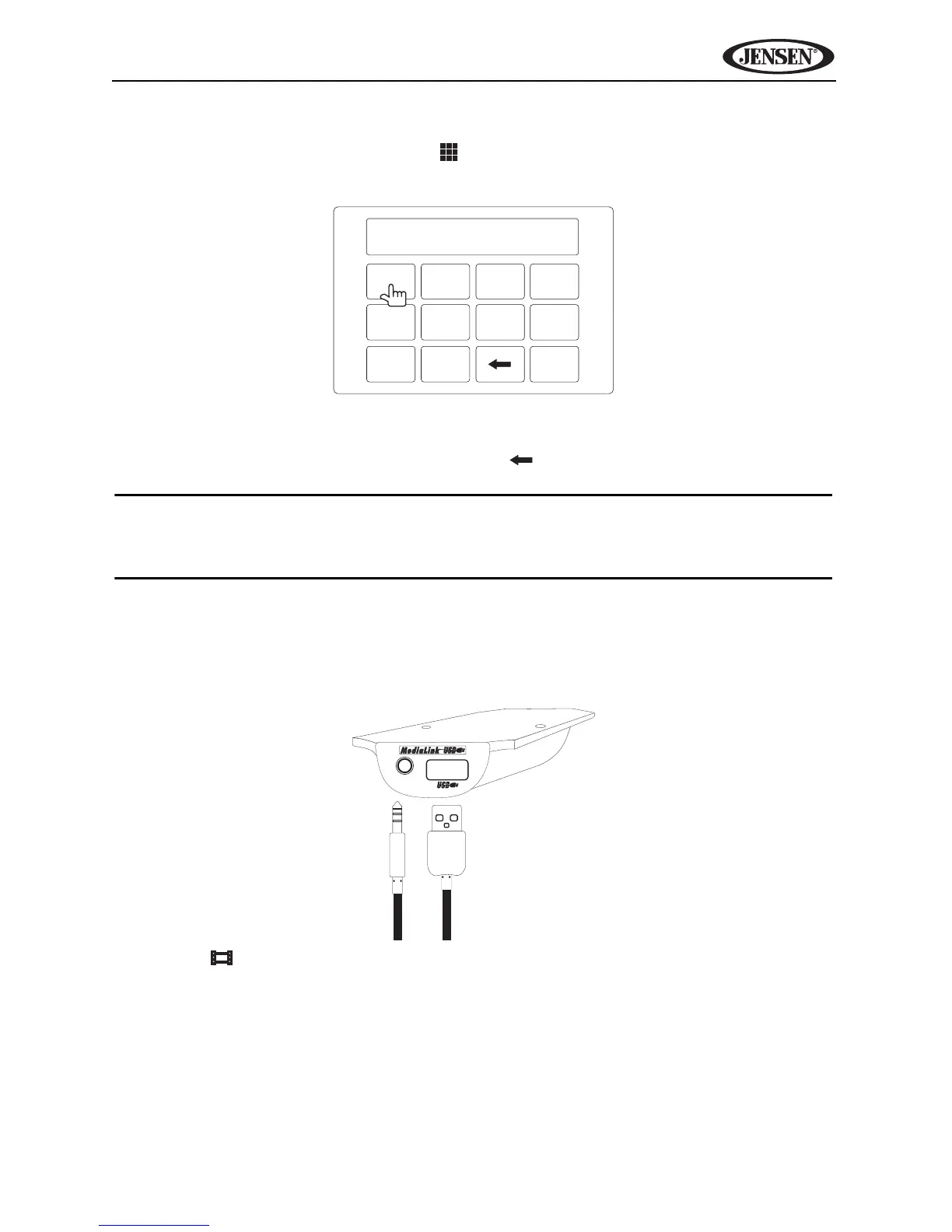
To select a track directly, touch the button on screen to display the direct
entry menu.
Enter the desired track using the on-screen number pad. Press OK to play the
selected file number. To backspace, touch .
NOTE: To transmit the video from your iPod to the VM9424 screen, you
must set the following options through the iPod video settings menu: TV
Out = On, TV Signal = NTSC, and Widescreen = On.
iPod Video Playback
Video playback requires the jLink-USB iPod interface cable (sold separately)
connected to the MediaLink USB, shown below.
Press the icon on the second page of on-screen controls to view the iPod
video playback menu. During video playback, touch the screen to return to the
iPod menu.



 To Next Page