51
VM9424
REAR MONITOR VIDEO DISPLAY
This unit allows you to install one or two additional monitors (sold separately)
for DVD/CD playback. You can play DVD video and another source
simultaneously. For example, the unit’s screen can be set to Radio function
while the rear passengers can watch a DVD/CD using an optional rear
monitor.
To access the rear display function, perform the following steps:
1. Turn on the rear monitor(s). Refer the instruction manual that came with
your monitor for instructions.
2. Insert a DVD/CD into the unit.
3. Access the “Source” menu and press the REAR icon.
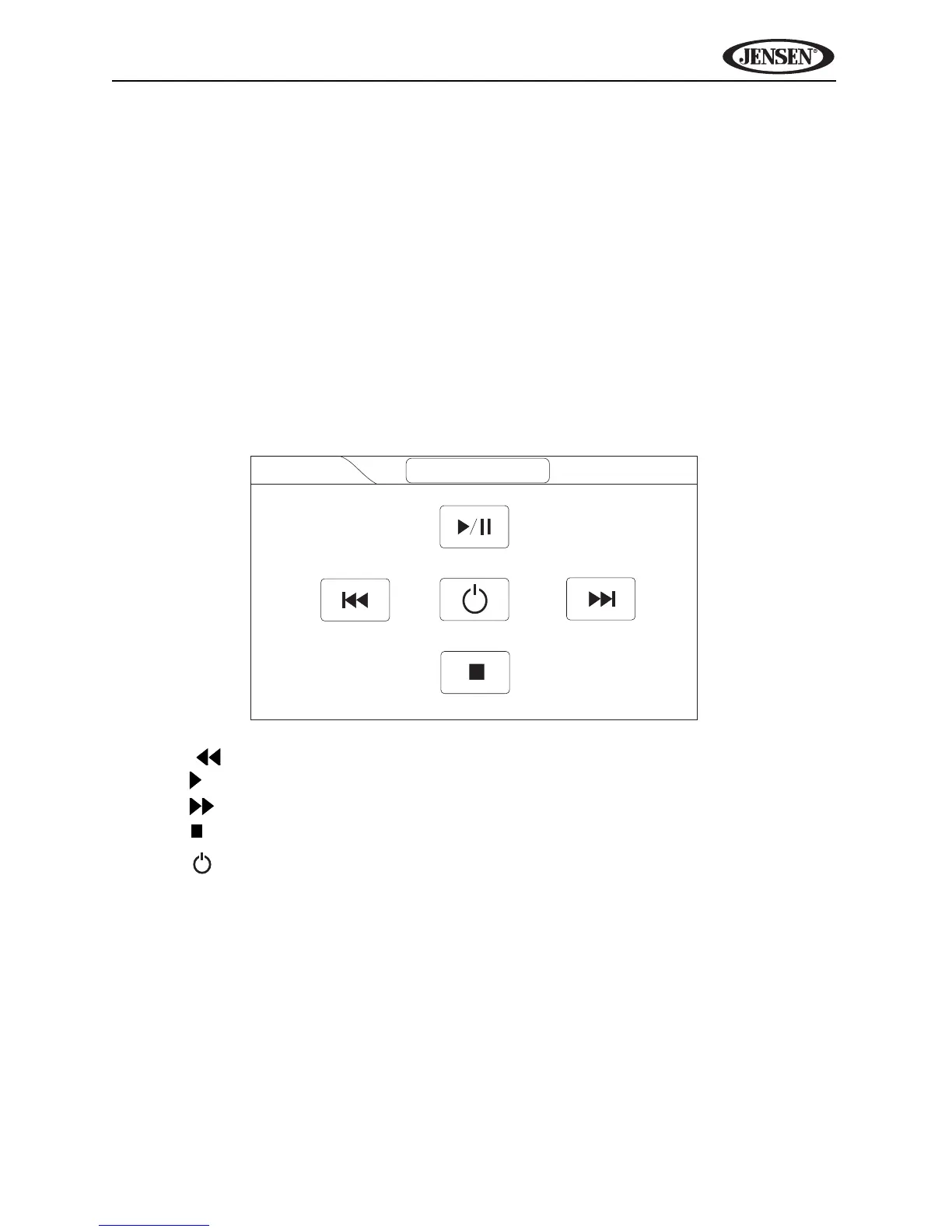
4. Use the on-screen controls to control rear zone playback.
• | : Previous chapter
• / ||: Play/pause
• |: Next chapter
• : Stop disc playback
• : Turn rear display function on/off



 To Next Page