94
VM9424
Press the button to return to the map screen.
Browsing the Map During Navigation
You can browse the map while navigating without interrupting the current route
– you will still be guided through voice commands.
• To browse during navigation, touch (and hold) the screen to ac ivate the
Map Browsing feature. During browsing, the map screen borders will turn
orange until the Back button is pressed to return to the guide.
• Press the button to return to on-screen navigation.
Adding a Detour
If you are unable to complete the route as calculated, you can add a Detour to
the route that will allow you to stay on track to your destination.
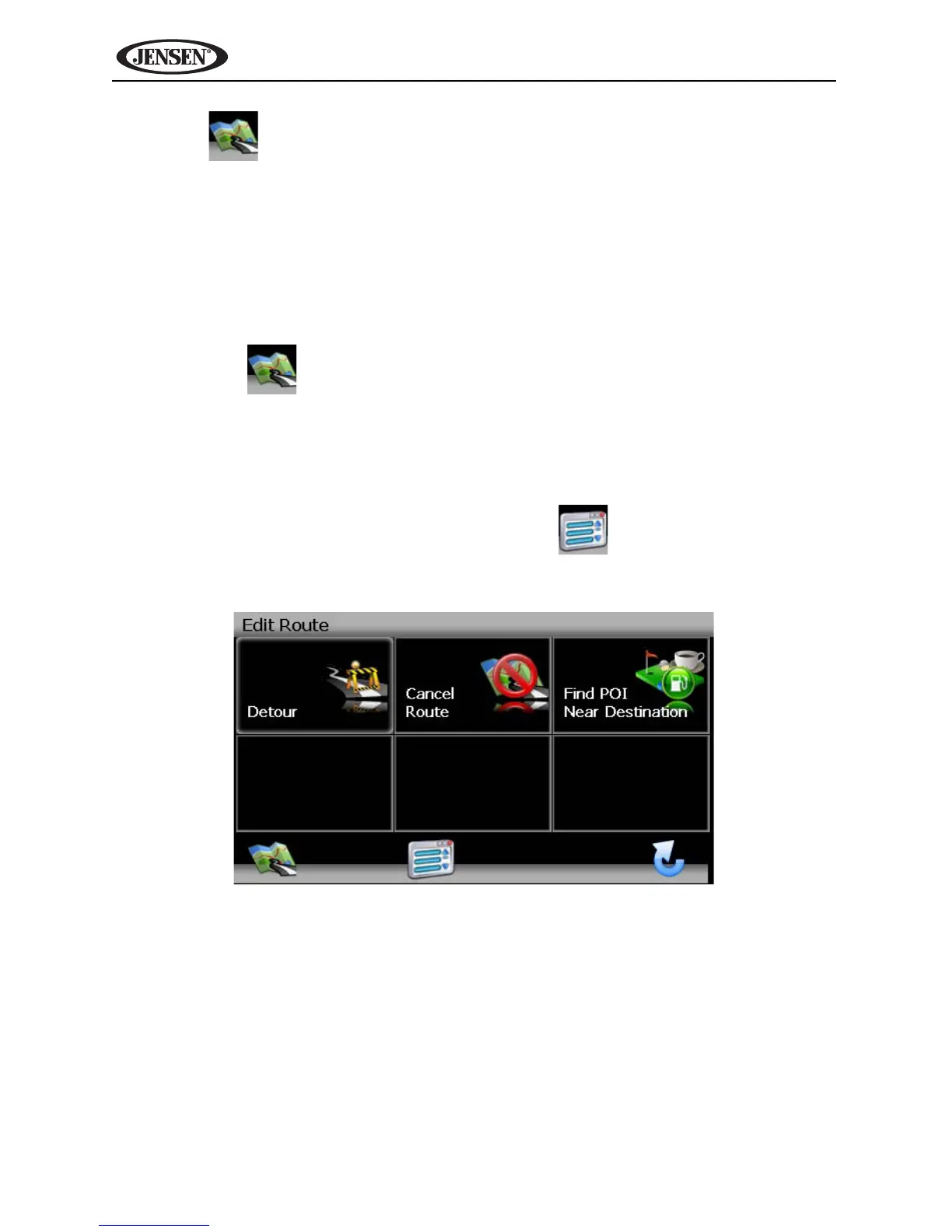
1. To add a Detour while navigating, press the button to return to the
“Main Menu” and then press Edit Route.



 To Next Page