93
VM9424
Intersection Zoom
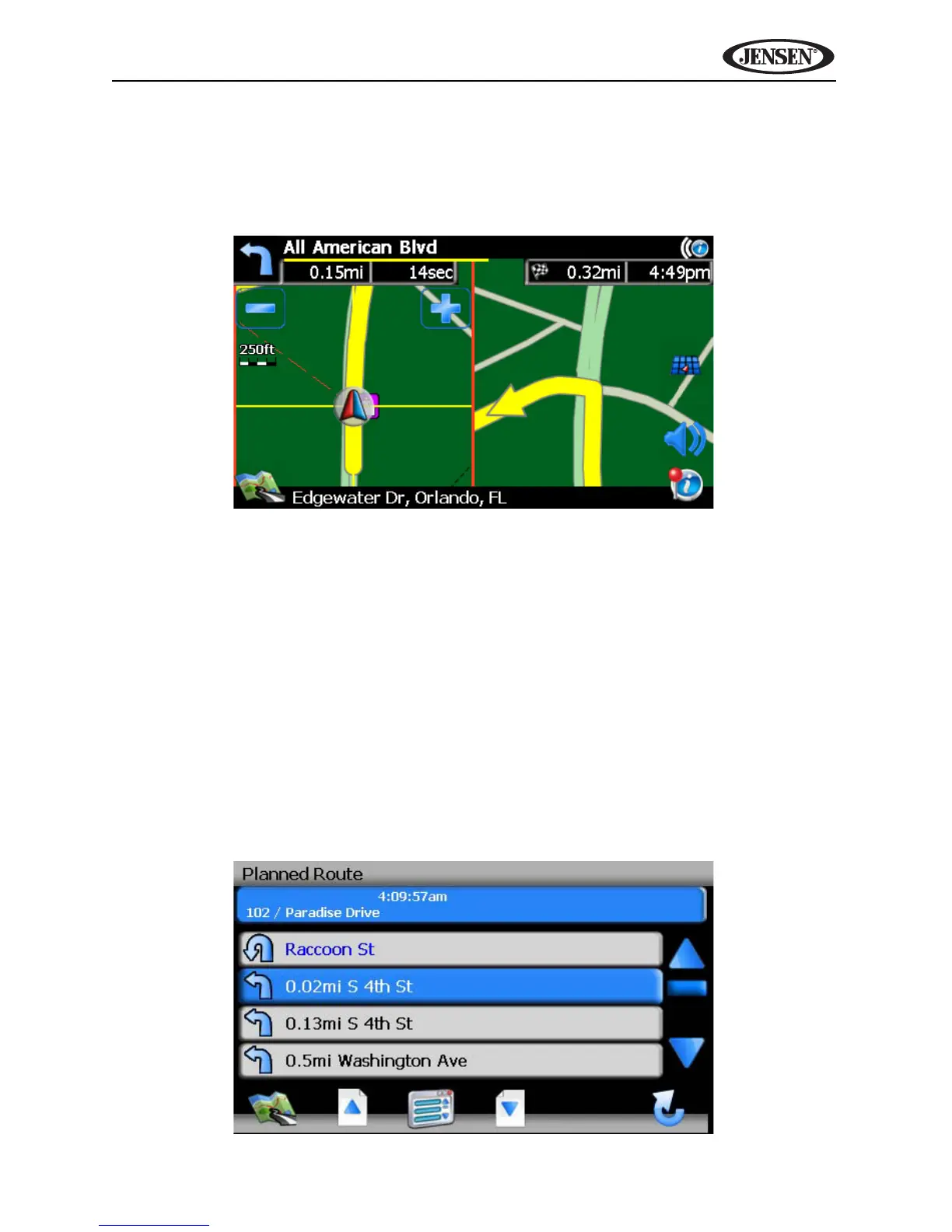
As you approach an intersection, the map will automatically zoom in to show a
close-up view of the roads near the intersection point on the right side of the
screen.
Route Interruptions
If you intentionally or accidentally leave the current route, the NavMate
software will automa ically recalculate the route and prompt you to get back on
track to your destination.
You can disable this feature by checking the “Auto Recalculation Off” option in
the Setup menu, under Setup Routing Criteria.
If you leave the route to make a stop, the NavMate software remembers your
destination and asks you if you want to continue your route.
Turn by Turn
While navigating, press the next maneuver arrow on the top left corner of the
map screen screen to view a turn-by-turn list of upcoming maneuvers.



 To Next Page