98
VM9424
Edit Home/Office Address
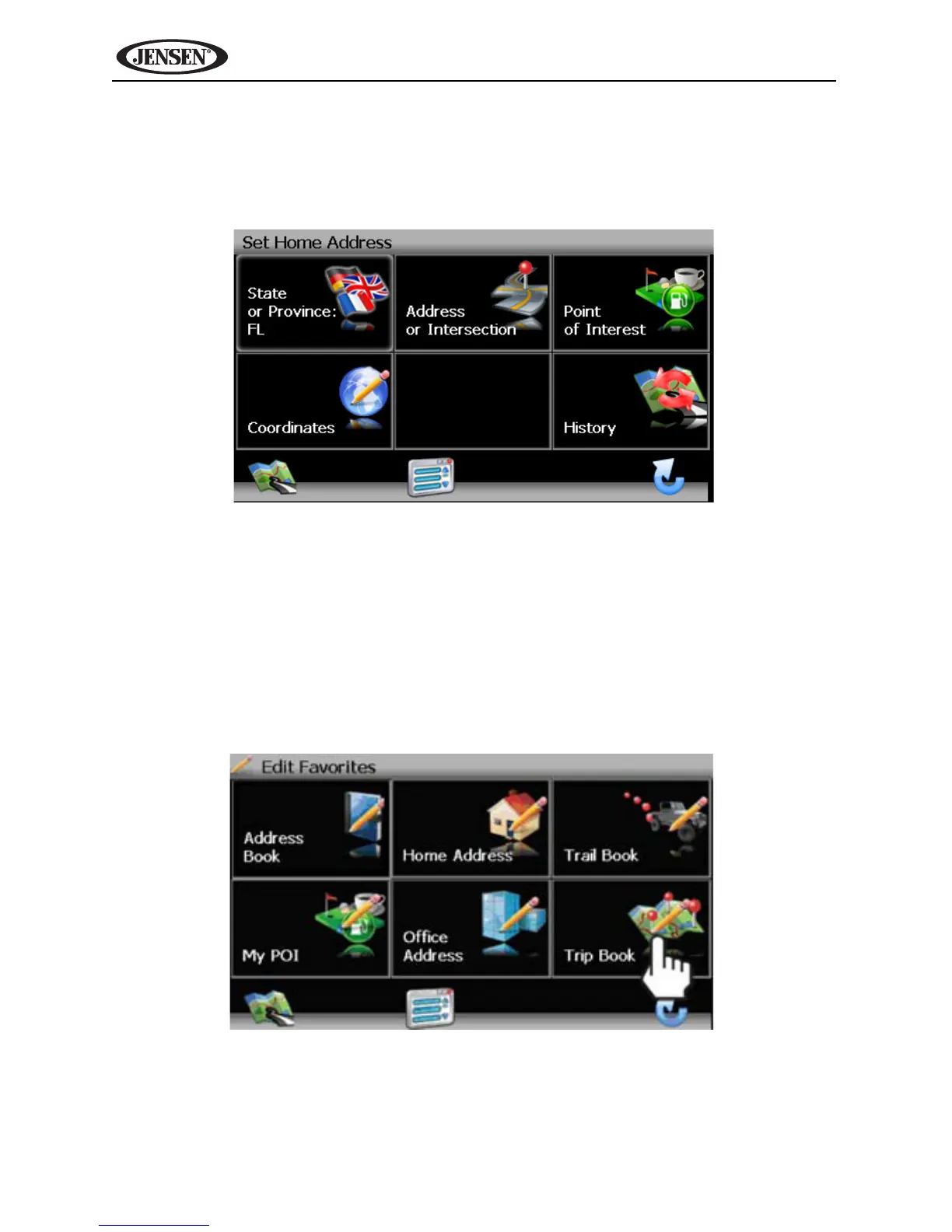
1. On the “Edit Favorites” menu, press the Home Address or Office
Address icon to add or replace the home or office address. A window like
the following will appear:
2. Refer to information in the section titled “Selecting a Destination” on
page 73 to locate the home or work address.
Edit Trip Book
The “Trip Book” is a collection of trips with each trip representing a set of
multiple destinations.
1. To access the Trip Book function, press the Trip Book button on the “Edit
Favorites” menu.



 To Next Page