28
VM9424
CD/DVD/MP3 AUDIO OPERATION
Instructions for TFT control and Insert/Eject are the same for DVD and CD
operation. Please see the DVD/Disc Video Operation section for information
about these topics.
The VM9424 will play music or other audio files from the following disc media:
•CD-DA
•CD-R/RW
•DVD
•DVD+R/RW
•DVD-R/RW
NOTE: See “MP3/WMA File Requirements” on page 33 for MP3 disc and
file requirements.
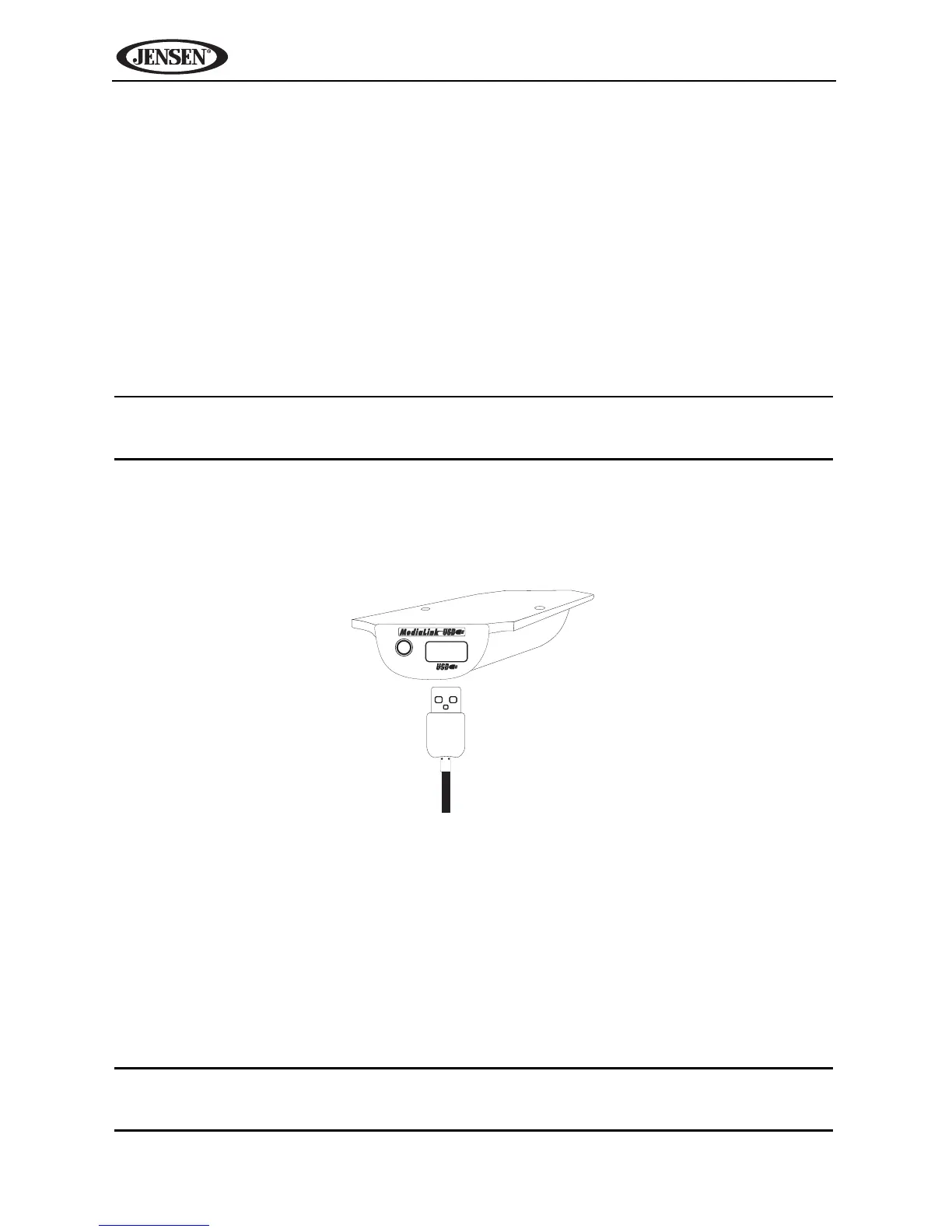
Accessing a USB Device
1. Locate the MediaLink USB connector (it should be installed and routed to
an accessible location during installation).
2. Insert the USB device into the USB connector.
3. Press the SRC button (10) on the front panel or touch the top left corner of
the screen to access the Source menu, and then touch the “USB” icon.
You can also press the SRC button (8) on the remote control until “Media-
USB” appears at the top of the screen.
To remove the USB device, press the SRC button (10) on the front panel or
remote control (8) to switch to another mode and then remove the USB device
from the USB connector.
NOTE: This unit supports iPod via USB and USB flash memory devices.
Not all USB devices are supported.



 To Next Page