73
VM9424
SELECTING A DESTINATION
There are five different ways to find and choose a destina ion. Some methods
allow you to select from a list using the arrow keys, while others allow you to
search using an on-screen keyboard.
NOTE: If a route is in progress when you exit the navigation system, the
unit will prompt “Do you want to resume guidance?” when you resume
operation. Press the green check mark to resume or the “X” to cancel
and go to the “Main Menu.”
Finding an Address
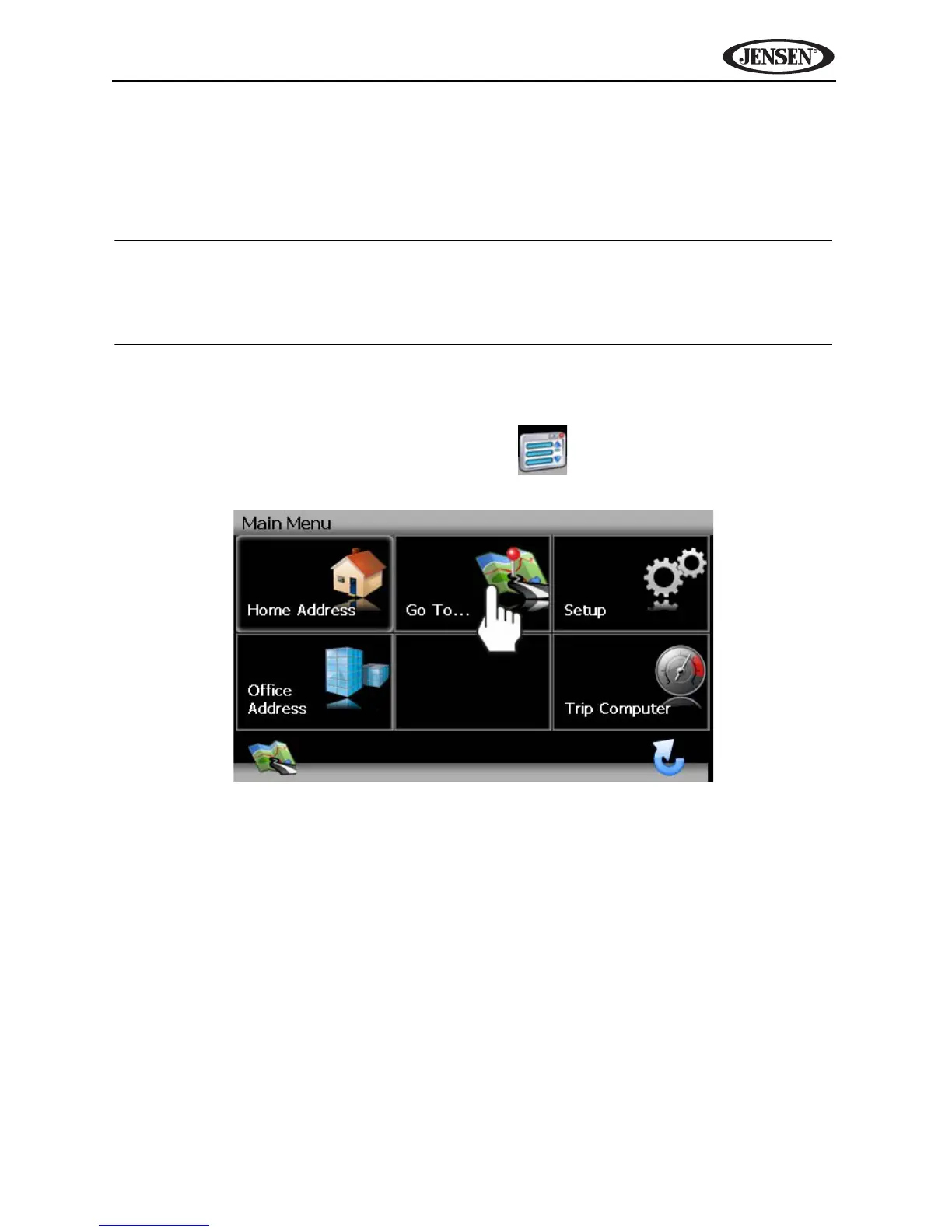
Press the Go To... button on the “Main Menu” to begin locating an address. If
you cannot see the “Main Menu”, press the button.



 To Next Page