74
VM9424
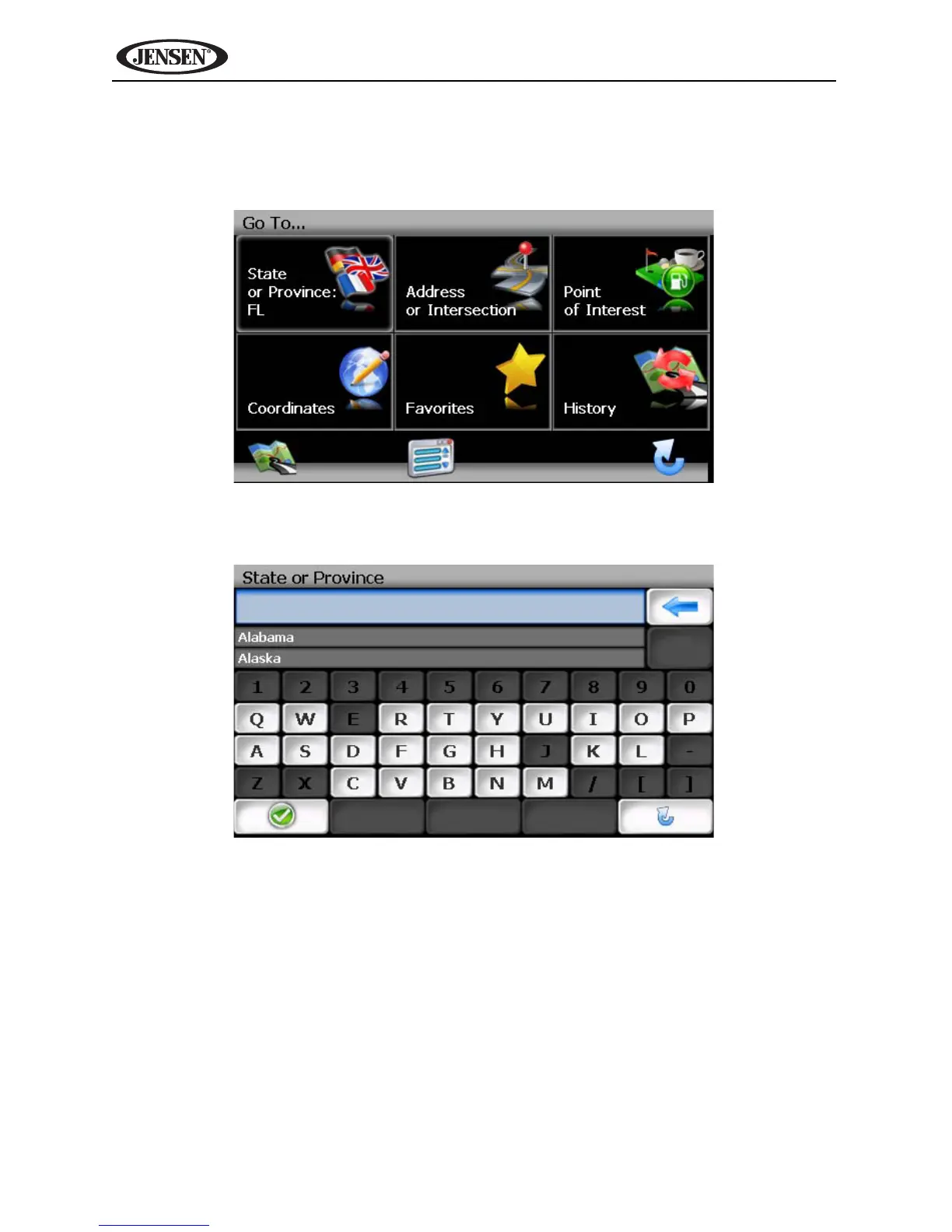
The “Go To...” menu appears, allowing you to search for an Address or
Intersection, select a POI (Point of Interest), enter map Coordinates, or select
a favorite or recent destination.
State or Province
Address or Intersection
After choosing the destination State or Province, press the Address or
Intersection button to view the City/Postal Code screen. You can locate an



 To Next Page