39
VM9424
Indicators/Controls
1. (a) Current source
(b) Touch to view “Source” menu and select a new source
2. File number and total number of files
3. Song title
4. Artist name
5. Album name
6. Playback progress indicator
7. Elapsed playing time/total playing time for current file
8. Clock
9. (a) Sub-menu title or folder name
(b) Touch to access iPod menu
10. (a) Names of files in current folder (touch to play)
(b) Menu options
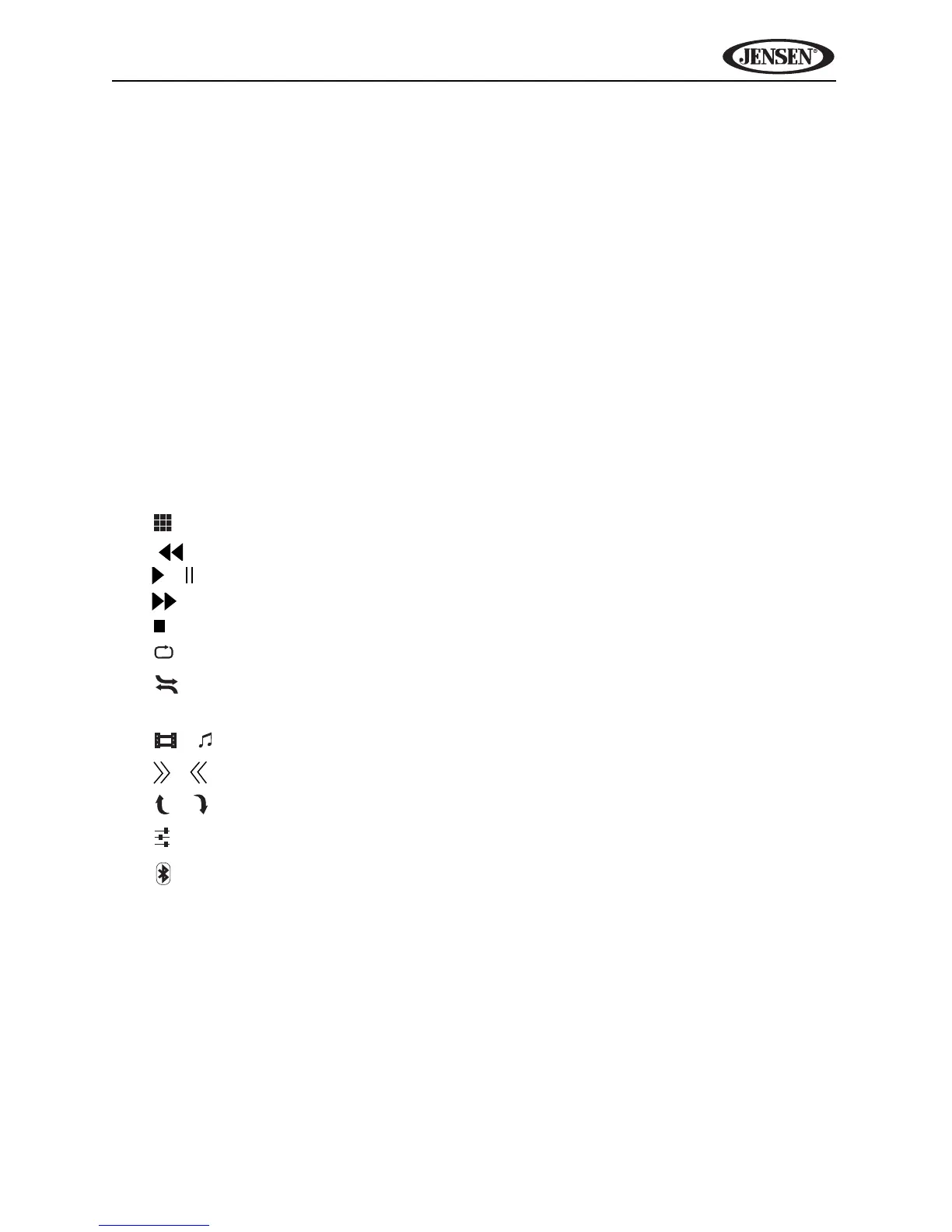
Touch Screen Buttons
• : Direct entry screen
• | : Previous file
• / : Play/pause
• |: Next file
•: Stop
• : (x1) Repeat song, (x2) repeat album
• : Random/shuffle all
• Scan: Scan the first ten seconds of each song in the current album
• / : View video/music menu
• / : Expand/collapse additional menu options
• / : Page up/page down
• : Equalizer adjustment screen
• : Bluetooth access (when device is already paired)



 To Next Page