38
VM9424
iPod
®
OPERATION
NOTE: Be sure your iPod has the latest Apple firmware installed to avoid
connectivity issues.
This unit is Made for iPod. You can control your iPod via touch screen to
access Playlist, Artist, Album, Songs, etc. Supported models include, but are
not limited to, the following:
• iPod Classic
• iPod Touch 2G / 3G
• iPod Nano 3G / 4G / 5G
NOTE: For basic iPod connectivity, you can use the white 30-pin to USB
iPod cable that came with your Apple device. For iPod video playback,
you must purchase the jLink-USB cable.
Accessing iPod Mode
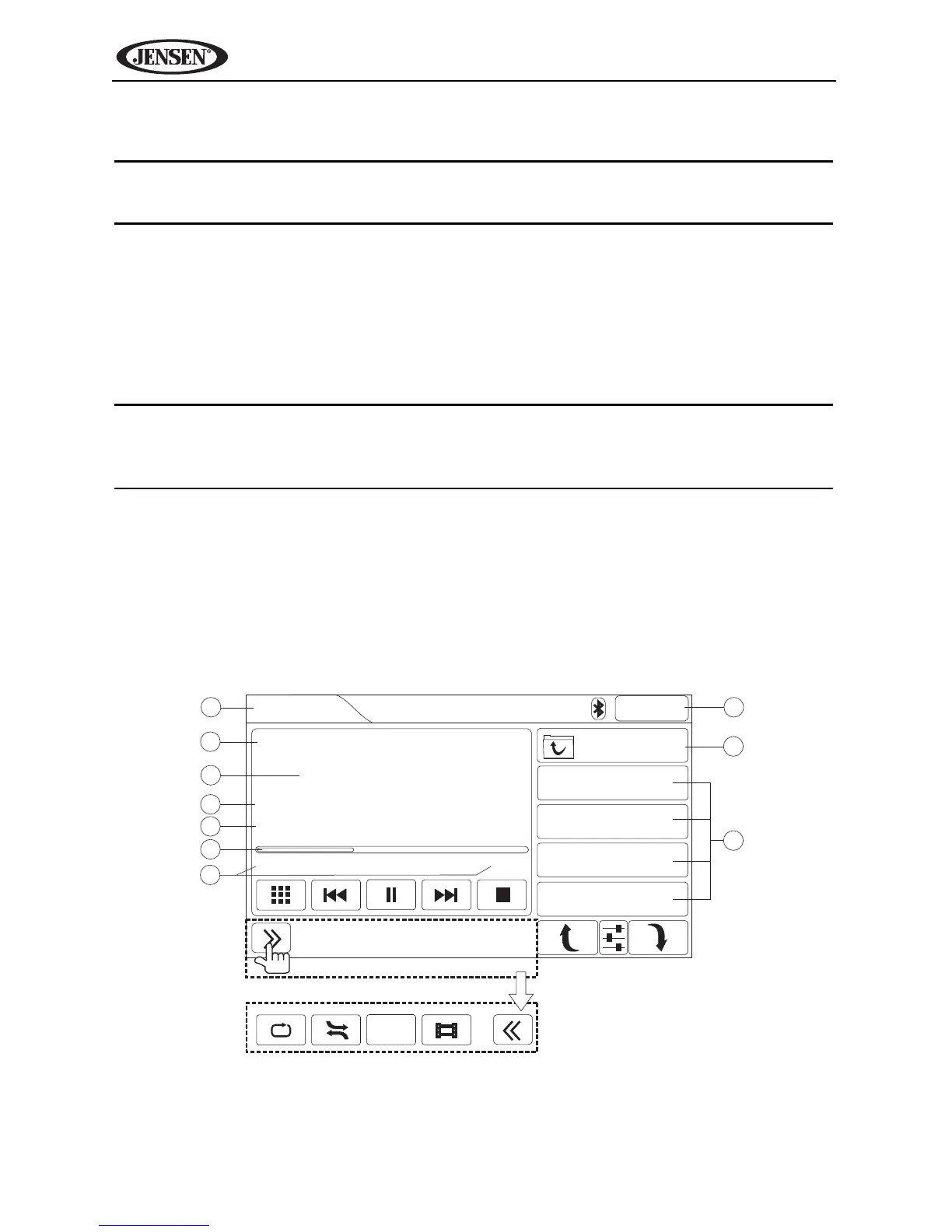
To access the iPod screen, press the SRC button (10) on the front panel or
touch the top left corner of the screen to access the Source menu, and then
touch the iPod icon. You can also press the SRC button (8) on the remote
control until “iPod” appears at the top of the screen. The on-screen indicators
and touch key areas for iPod playback are outlined below.
3
4
5
6
7
2
8
9
10
1
iPod
2:04AM
27/35
World in My Eyes
Depeche Mode
Violator
00:55 04:43
Depeche Mode
25. Jezebel
26. Corrupt
27. World in My Ey...
28. Sweetest Perfe...
Press for more options.
Scan



 To Next Page