76
VM9424
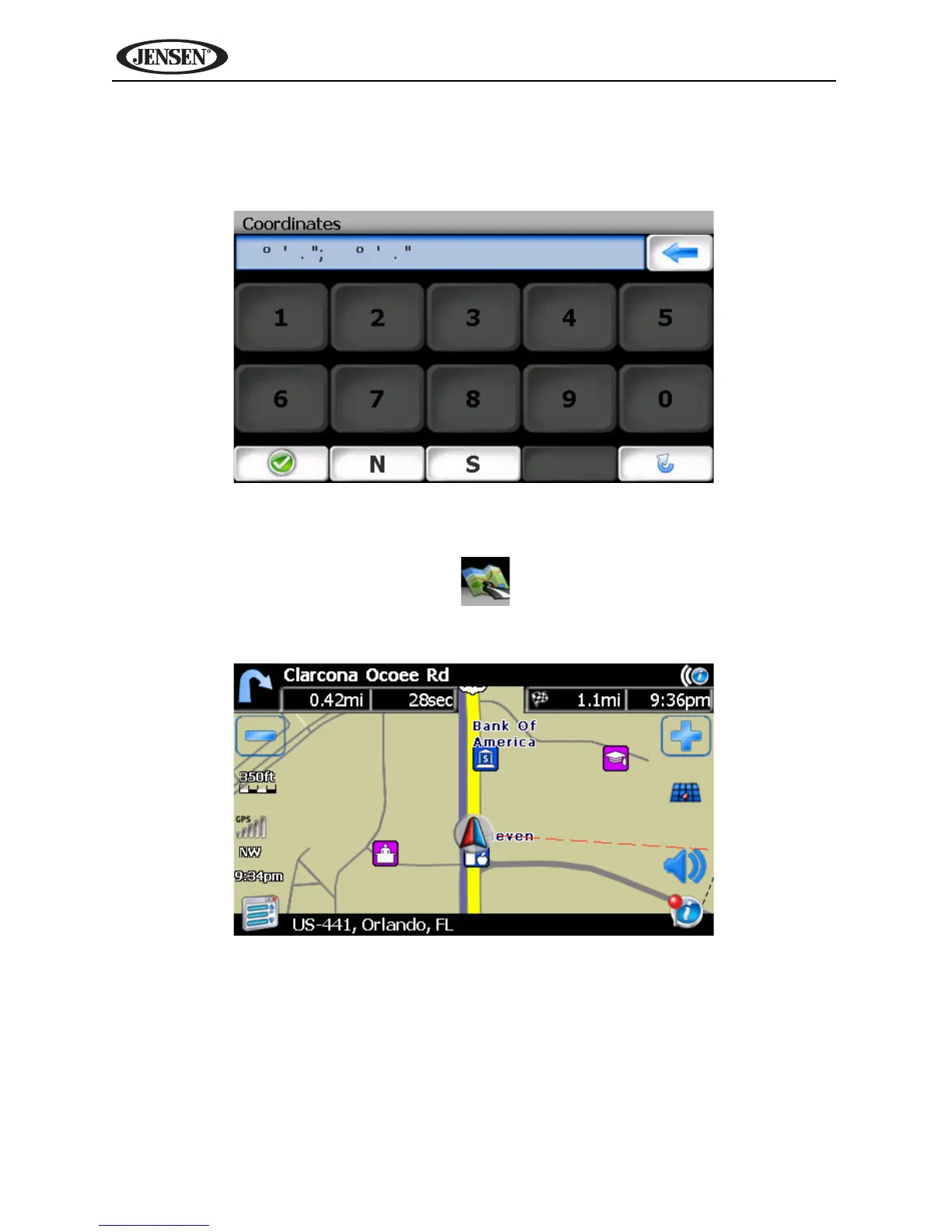
Coordinates
Press the Coordinates button to route to a destination by directly entering
latitude and longitude values.
Choosing a Location on the Map
1. From the “Main Menu”, press the button. The “Map - Tracking” win-
dow will be displayed, indicating your last location:



 To Next Page