87
VM9424
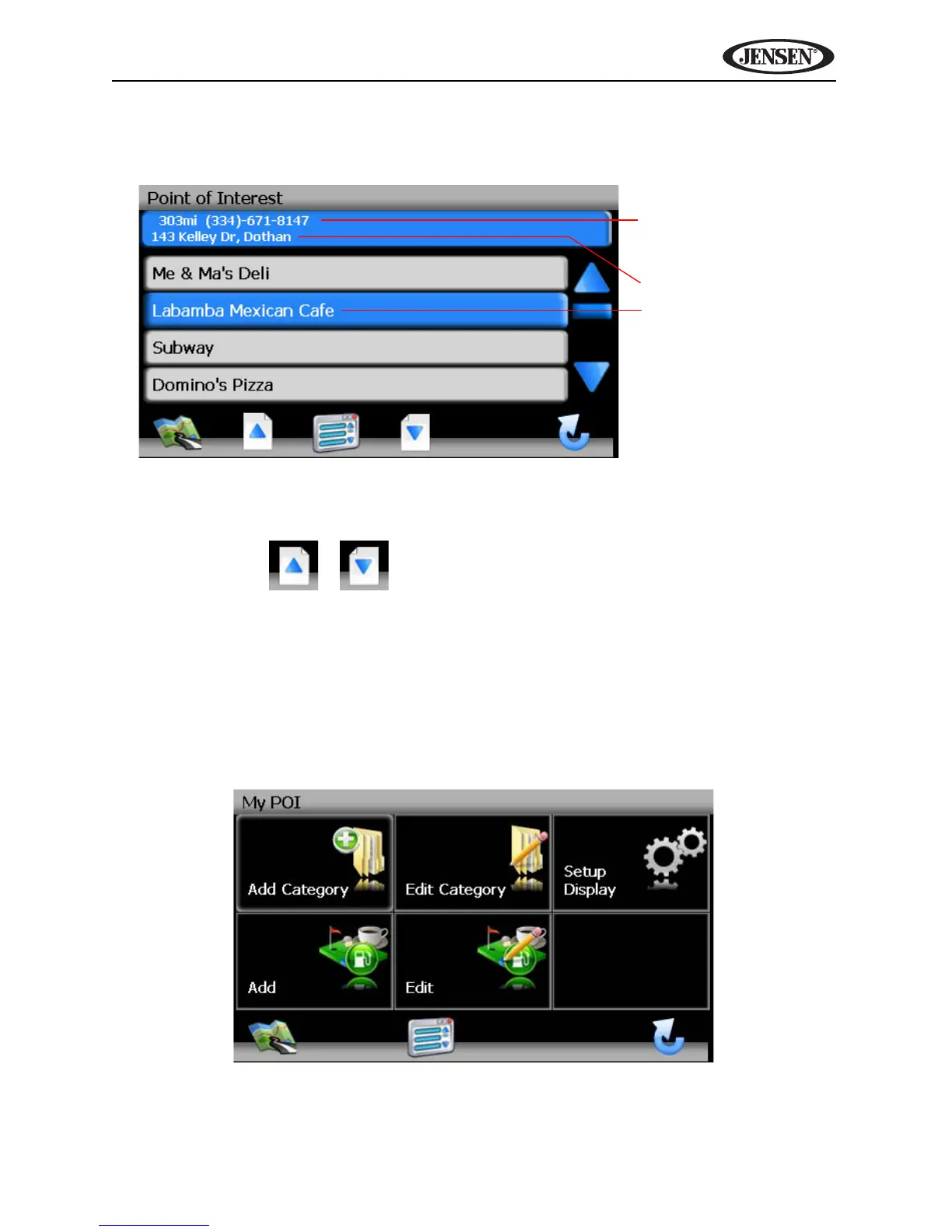
2. Press to select Hospital, Restaurant, Parking Lot, Hotel, Gasoline
Station or Atm and display a list of POI’s in that category.
• Press the blue /\ / V arrow buttons or use the scroll bar on the right
side of the screen to navigate the list.
• Use the / buttons to move through the list page by page.
3. Press to select a POI destination and access the “Start Route” screen.
My POI
The My POI feature allows you to create personalized categories of Point Of
Interest destinations. To access the My POI screen, press the following
sequence of buttons, beginning on the “Main Menu”: Go To... > Favorites >
Edit Favorites > My POI.
Straight Line Distance
to POI/Phone Number
POI Address
POI Name



 To Next Page