88
VM9424
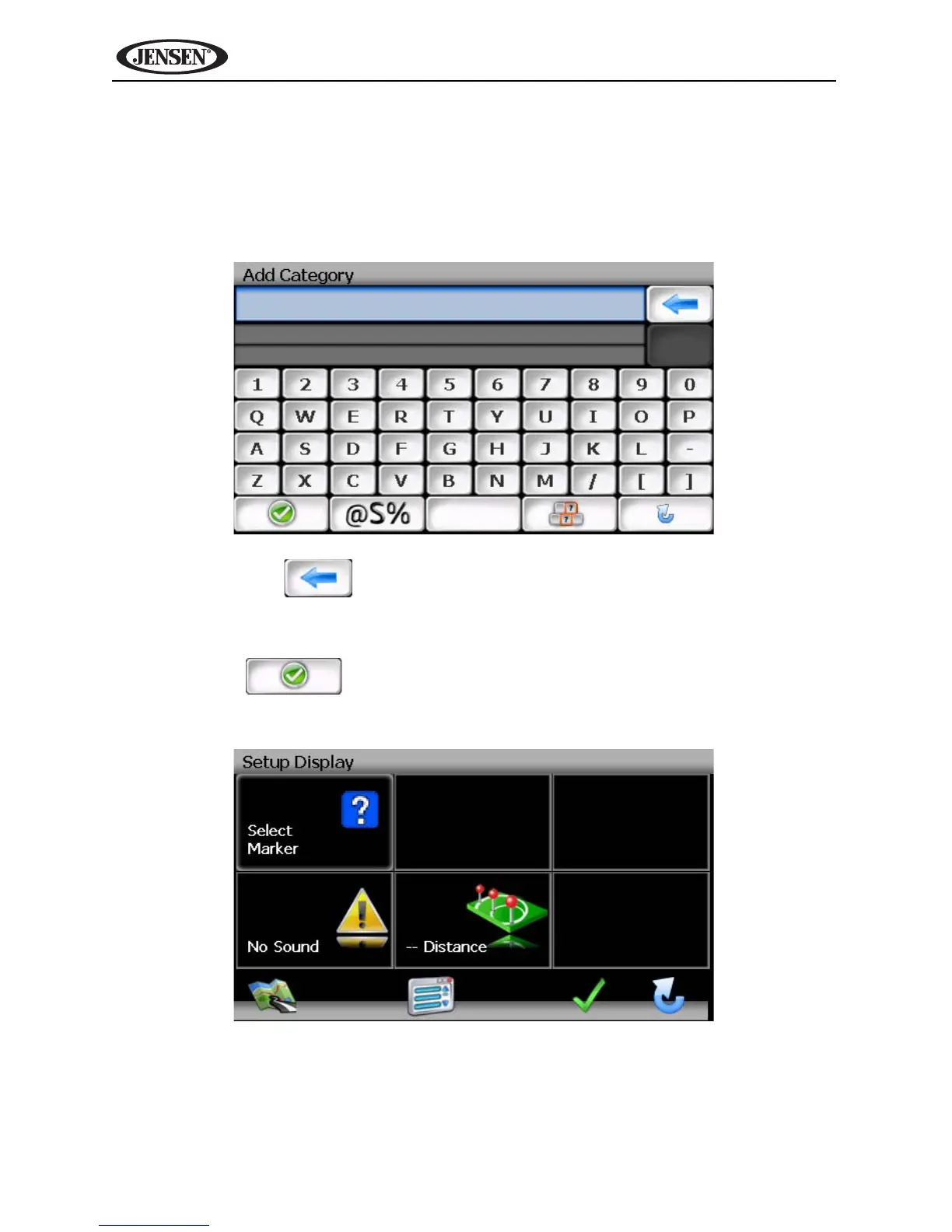
Add Category
Before My POI can work properly, you must create a category before adding a
new POI destination. Use the keyboard to create a new POI category name
and set the Icons, Sound and Distance of your choice for the new category.
1. Press Add Category to enter a name for the new Category.
• Press the button to clear the default entry, if desired.
• Use the keyboard to enter the name of your new Category. (See
“Using the Keyboard” on page 64.)
2. Press the button to save the Category name and go to the
“Setup Display” screen.
3. Determine map indicators and settings for your new Category.
• Set Icons Shown: Press to select the marker that will represent POI
destinations in your new Category.
• Sound: Press to select a sound to be heard when you are nearing the
destination (based on Distance).



 To Next Page