30
VM9424
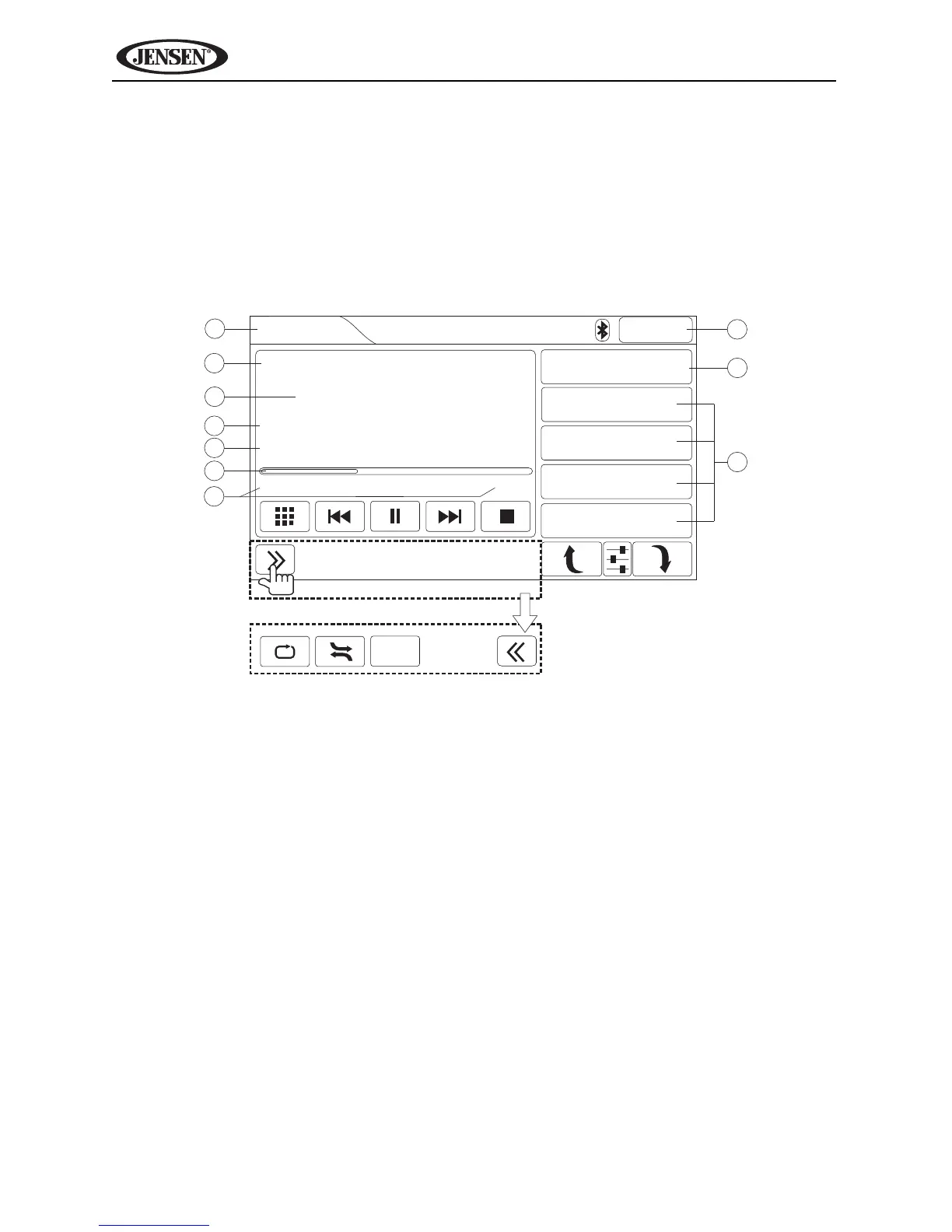
Accessing Disc Mode
To access the DISC screen, press he SRC button (10) on he front panel or
touch the top left corner of the screen to access the Source menu, and then
touch the “CD/DVD” icon. You can also press the SRC button (8) on the
remote control until “DISC” appears at the top of the screen. The on-screen
indicators and touch key areas for CD/DVD/MP3 audio playback are outlined
below:
3
4
5
6
7
2
8
9
10
1
DISC
12:15PM
2/8
Sweetest Perfection
Depeche Mode
Violator
01:55 04:55
ROOT
1. World in My Eyes
2. Sweetest Perfec...
3. Personal Jesus
4. Halo
Press for more options.
Scan



 To Next Page