9
VM9424
OPERATING INSTRUCTIONS
Power On / Off
Press the SRC/ button (10) on the unit (or the button (4) on the remote
control) to turn the unit on. The buttons on the front of the unit light up.
Press and hold the button to power off the unit.
Remote Control Functions
Audible Beep Confirmation
An audible beep tone confirms each function selection. The Beep tone can be
disabled through the Setup menu.
Mute/Line Mute
Press the VOL/MUTE button (5) on the front panel or the MUTE button (3) on
the remote control to mute the volume from the unit. Press the rotary encoder
button again to restore the volume. Adjusting the volume or using any of the
audio setup features cancels the mute function.
Playing Source Selection
Source Button (SRC)
Press the SRC button on the front panel (10) or remote control (8) to change
between available audio playing sources in the following order: NAVI, RADIO,
DISC, SD, USB, XM, BLUETOOTH, AV2, AV1, CAMERA, REAR.
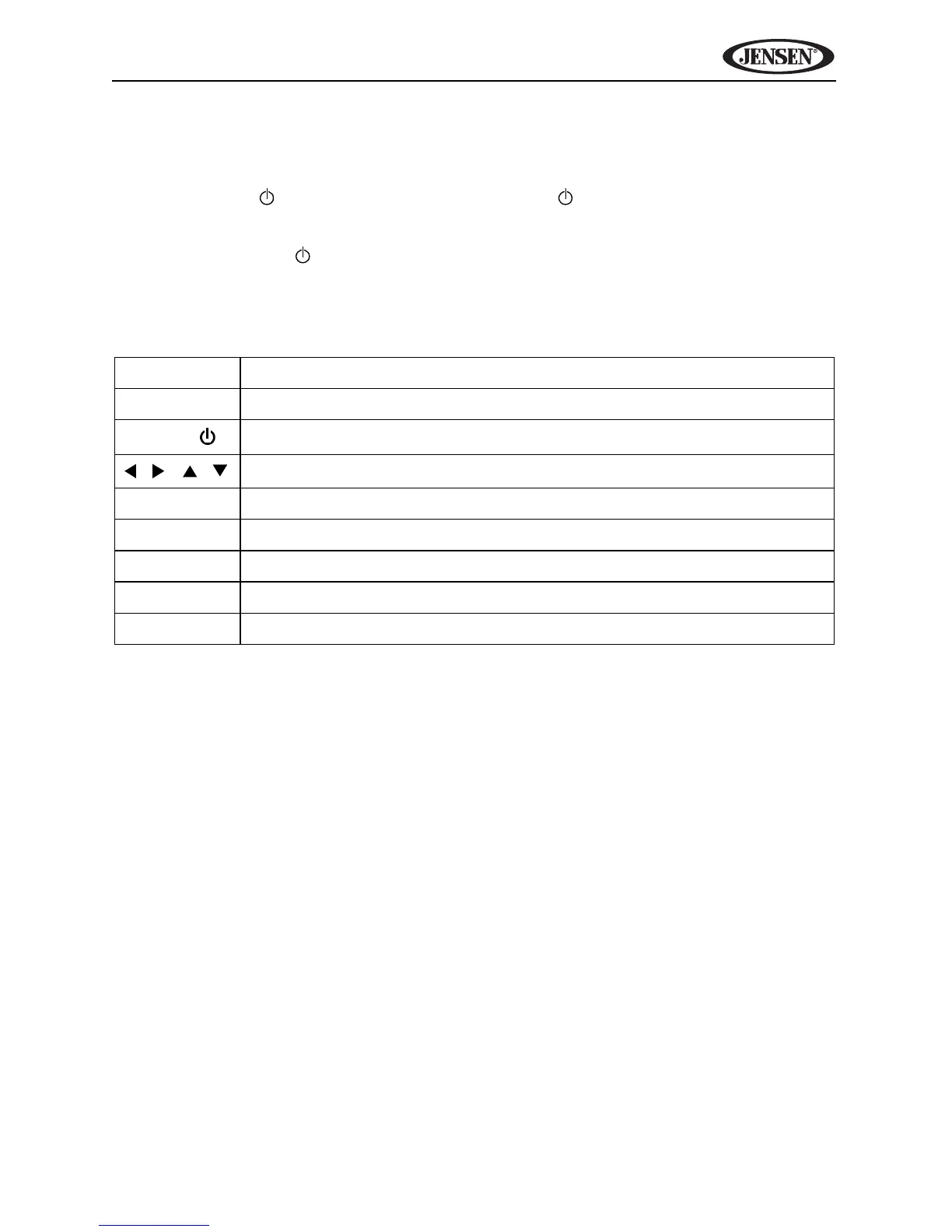
Table 1: Common Remote Control Functions
SRC Select playing source
MUTE Toggle audio output on/off
POWER/
Turns the power on/off
/ / /
Menu Navigation
VOL - Decreases volume
VOL + Increases volume
PIC View PICTURE MENU to adjust brightness
MENU View SOURCE menu
SEL Access equalizer menu



 To Next Page