110
VM9424
• Enlarged Intersection
User Preferences
Language Settings
Press to choose from a list of available languages for on-screen text. Once a
new language is selected, you will return the initial screen and be required to
review safety information in the chosen language.
Voice Guidance
Press to choose from the following available languages for voice guidance:
• English USA - Dave
• English USA - Rebecca
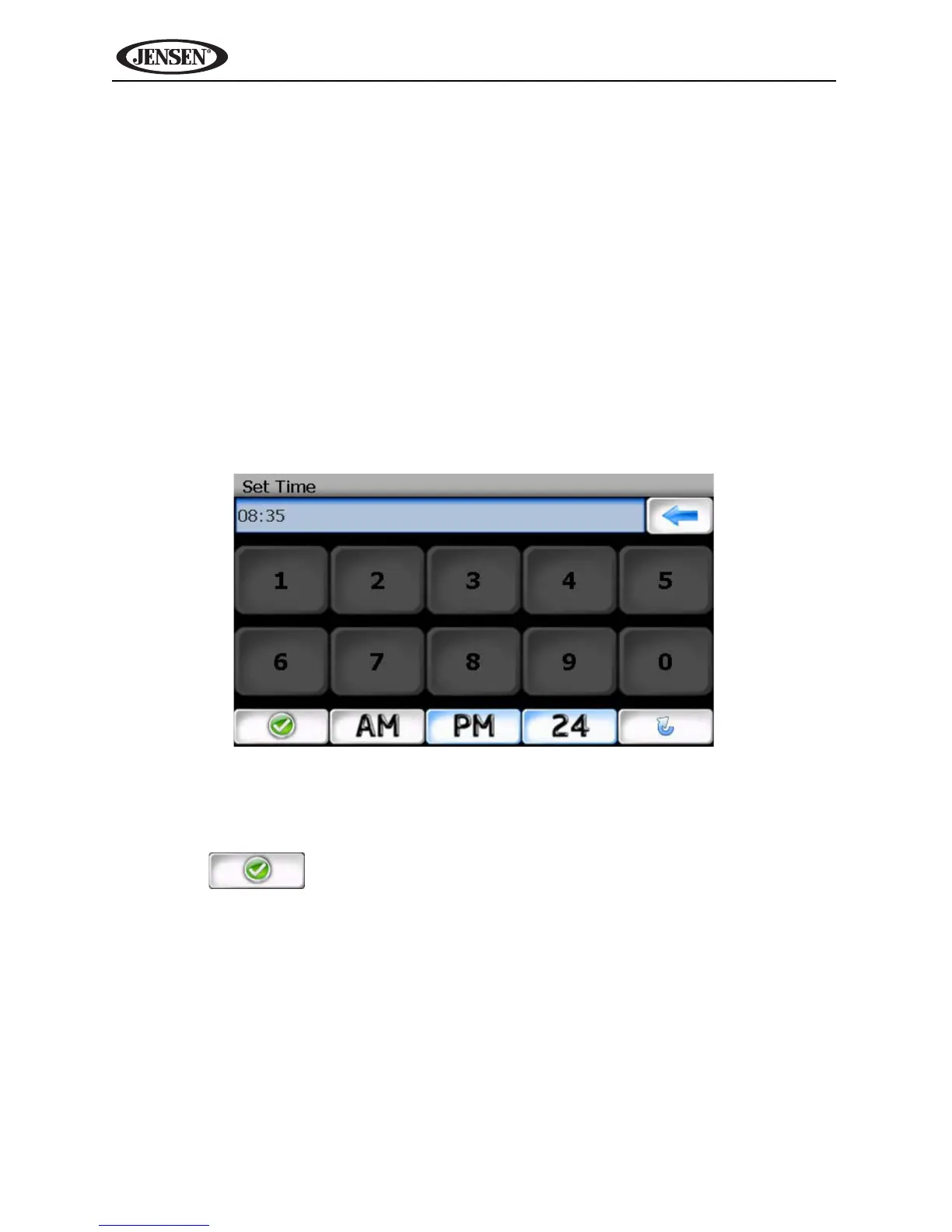
Set Time
Your clock time must begin with 1, 2 or 0. For example, enter “0835” for 8:35
and then press AM or PM, or press 24 for 24-hour clock display (military time).
If you press 24 after entering “08:35”, the time will automatically be set for AM,
since “08:35 PM would be “20:35” in 24-hour display mode.
Press the button to save your time setting and return to the “User
Preferences” menu.
Distance Units Settings
Press to select one of the following units for distance measurements:
• Miles
• Kilometers/Meters
• Miles/Yards



 To Next Page