111
VM9424
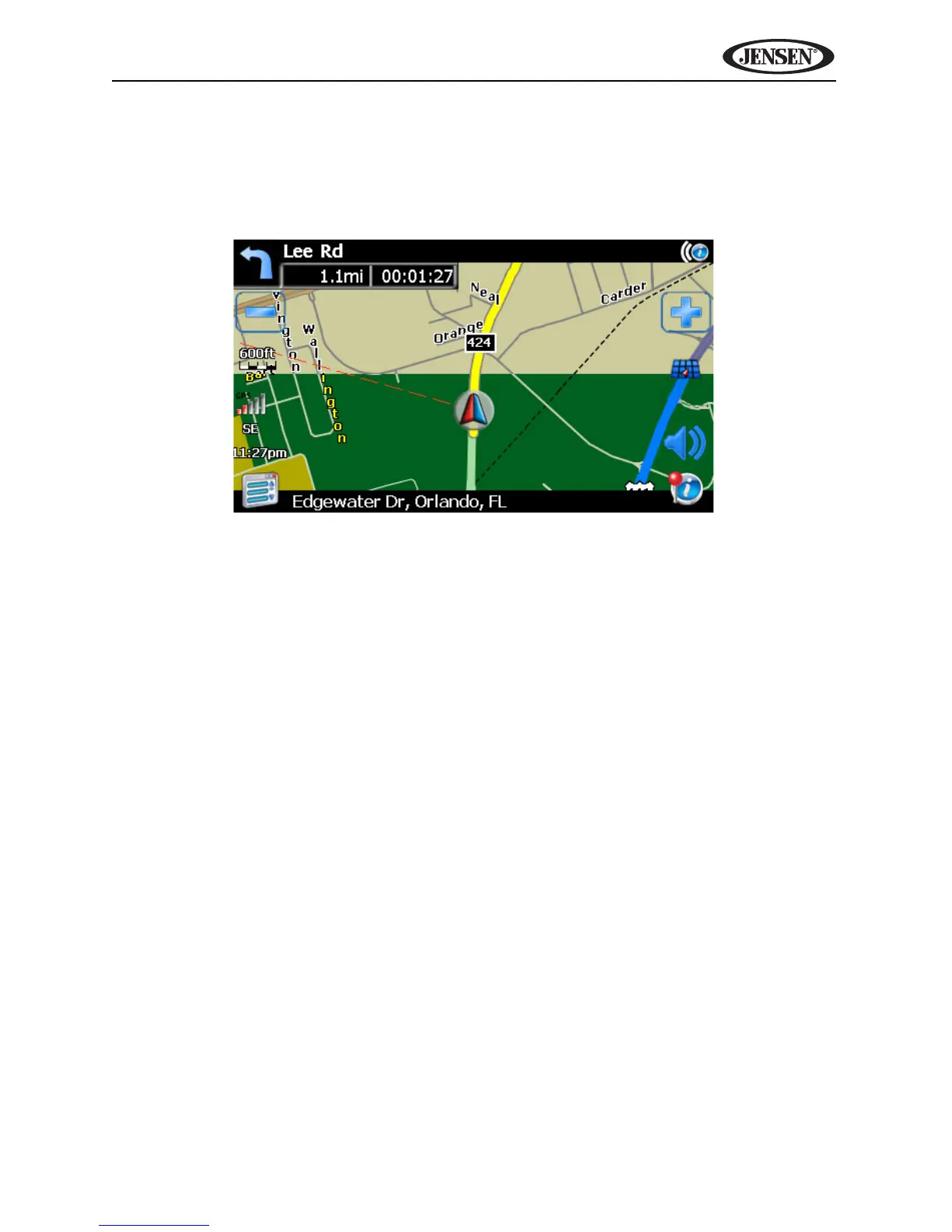
Day/Night Settings
From the Day/Night Settings menu, press to select Day or Night mode, shown
below. Press Auto. to allow the mode to be chosen automatically based on the
time of day.
Point of Interest Icon Setup
This option allows you to choose a specific POI icon scale for selected POI
categories.
1. Choose from the following options:
• Select Marker 100ft Scale
• Select Marker 150ft Scale
• Select Marker 250ft Scale
• Select Marker 350ft Scale
• Select Marker 600ft Scale
2. Press to turn the setting on/off for various categories.
DAY MODE
NIGHT MODE



 To Next Page