84
VM9424
SELECTING A POINT OF INTEREST
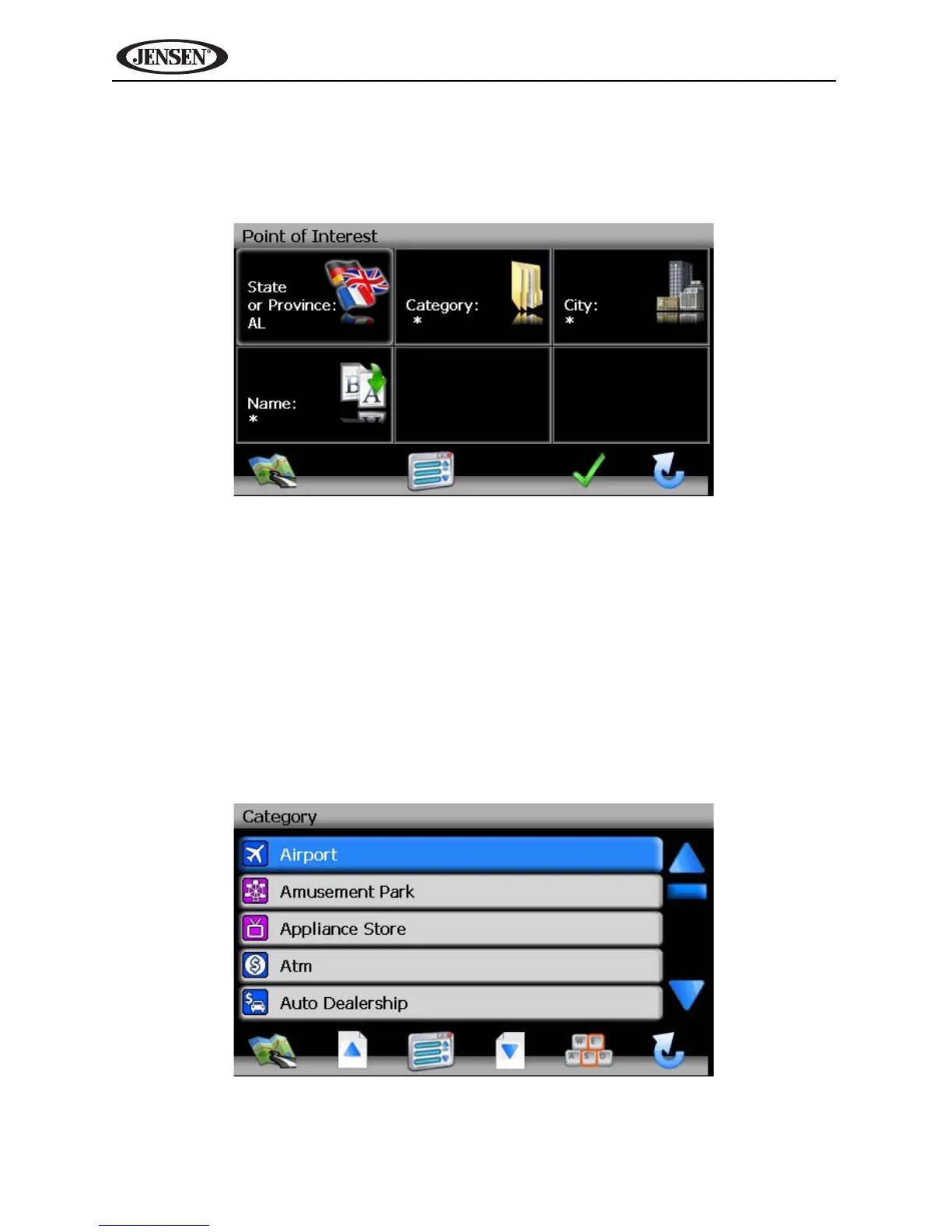
From the main menu, press the Go To... button and then press the Point of
Interest button. The “Point of Interest” window will be displayed:
The previously selected State or Province is automatically selected for the POI
search. Press the State or Province button to select a different State or
Province. See “State or Province” on page 74.
Searching for a Specific POI
To narrow your list of POI search results, you can enter a POI Category, City
and/or Name. Entering a Category, City, or POI Name is optional.
Category
1. On the “Point of Interest” screen, press the Category button to view a list
of possible categories.
• Press the blue /\ / V arrow buttons or use the scroll bar on the right
side of the screen to navigate the list.



 To Next Page