103
VM9424
Create a New Trail
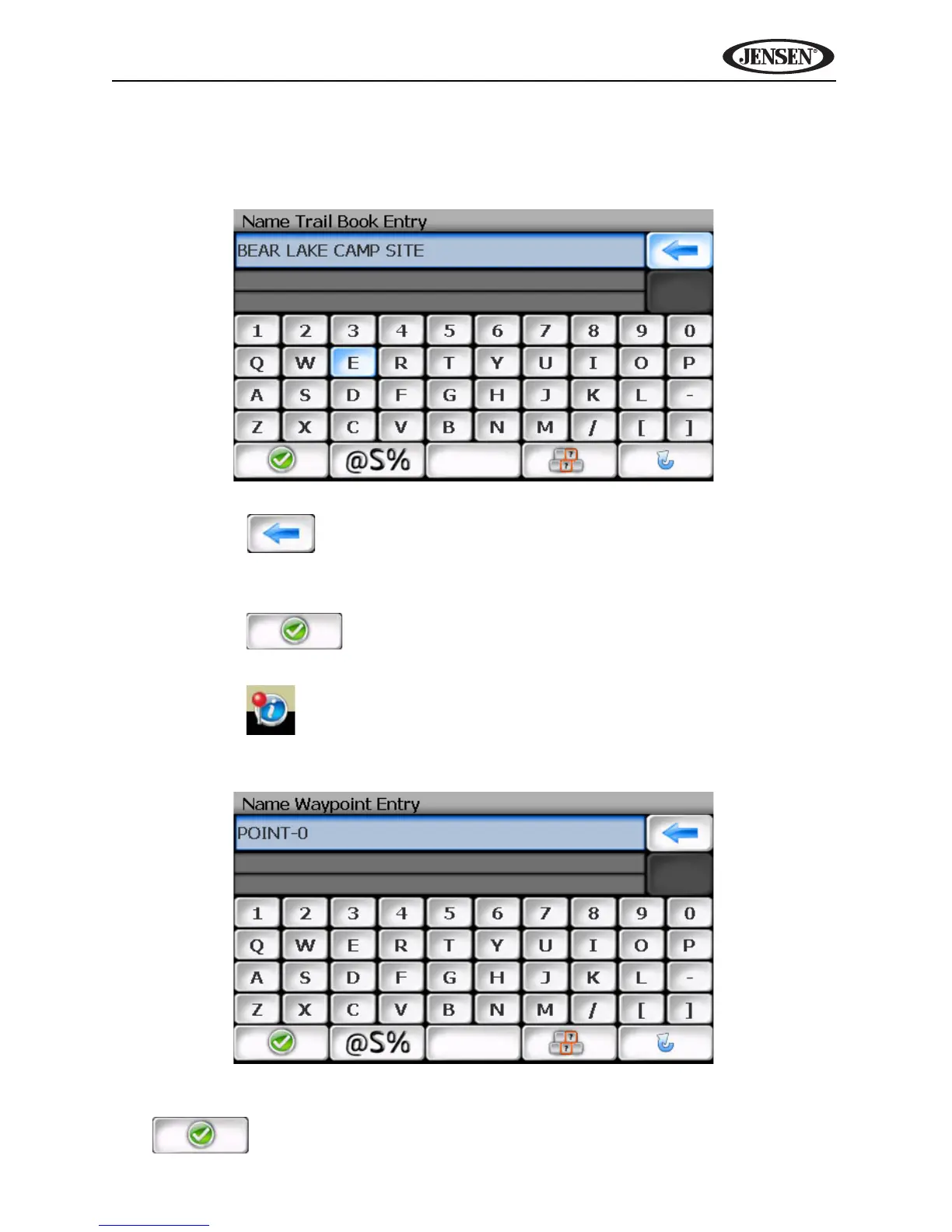
After pressing the Add button to create a new trail, you will see the “Name
Trail Book Entry” screen, shown below:
1. Press the button to clear the default entry, if desired.
2. Use the keyboard to enter the name for your Trail. (See “Using the
Keyboard” on page 64.)
3. Press the button to save the Trail name and go to the
navigation screen.
4. Press the button to add your current position as a waypoint. The
“Name Waypoint Entry” screen appears:
5. Use the keyboard to enter a name for your waypoint and then press
to save and return to the navigation map.



 To Next Page