70
VM9424
• To add a POI destination to your route, press the button.
• For one-way streets, the transit direc ion is indicated with a red arrow.
• For more information about navigation, see “Navigating” on page 92.
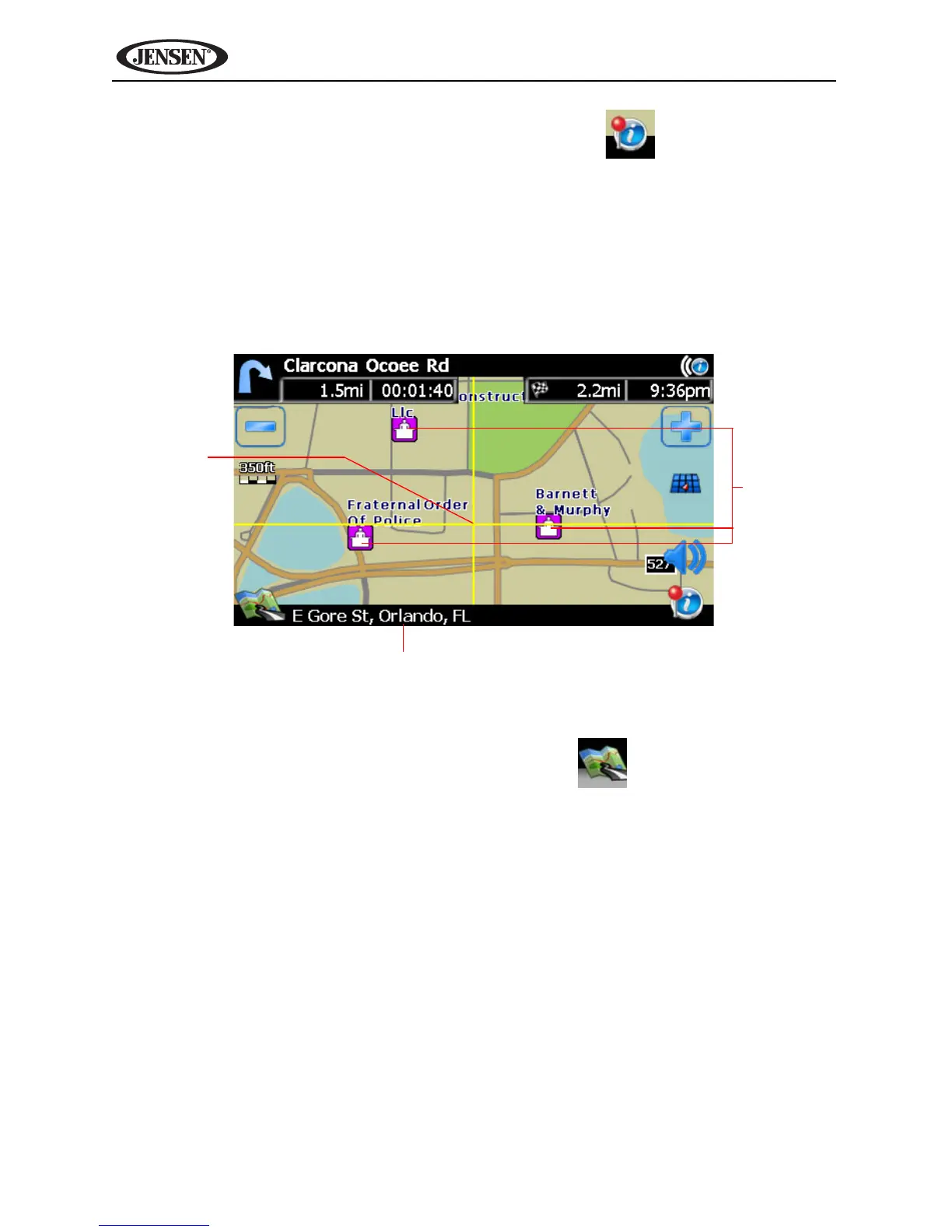
Map Browsing Screen
Touch (and hold) he screen to access Map Browsing Mode. Use a stylus or
your finger to browse the map. Your position is identified as the center of the
crosshair.
• To zoom in or out, press the + or – icons.
• To return to the map tracking mode, press the button.
Crosshair Location
Business
Icons
Crosshair



 To Next Page