Chapter 3 INSTALLATION OF THE DISPLAY UNIT
3.6 CONNECTING TO THE GPS COMPASS
3-11
3
NSTALLATION MANUAL
3.6 CONNECTING TO THE GPS COMPASS
This section describes how to connect to JRC's GPS compass.
GPS Compass
Connect a gyro equipment or equivalent that provide a below turn rate.
Otherwise, the performance of signal process and target tracking decrease.
Standard craft 12 deg/sec
High speed craft 20 deg/sec
Connecting to the GPS compass (JLR-10/20/30)
When using JRC's cable
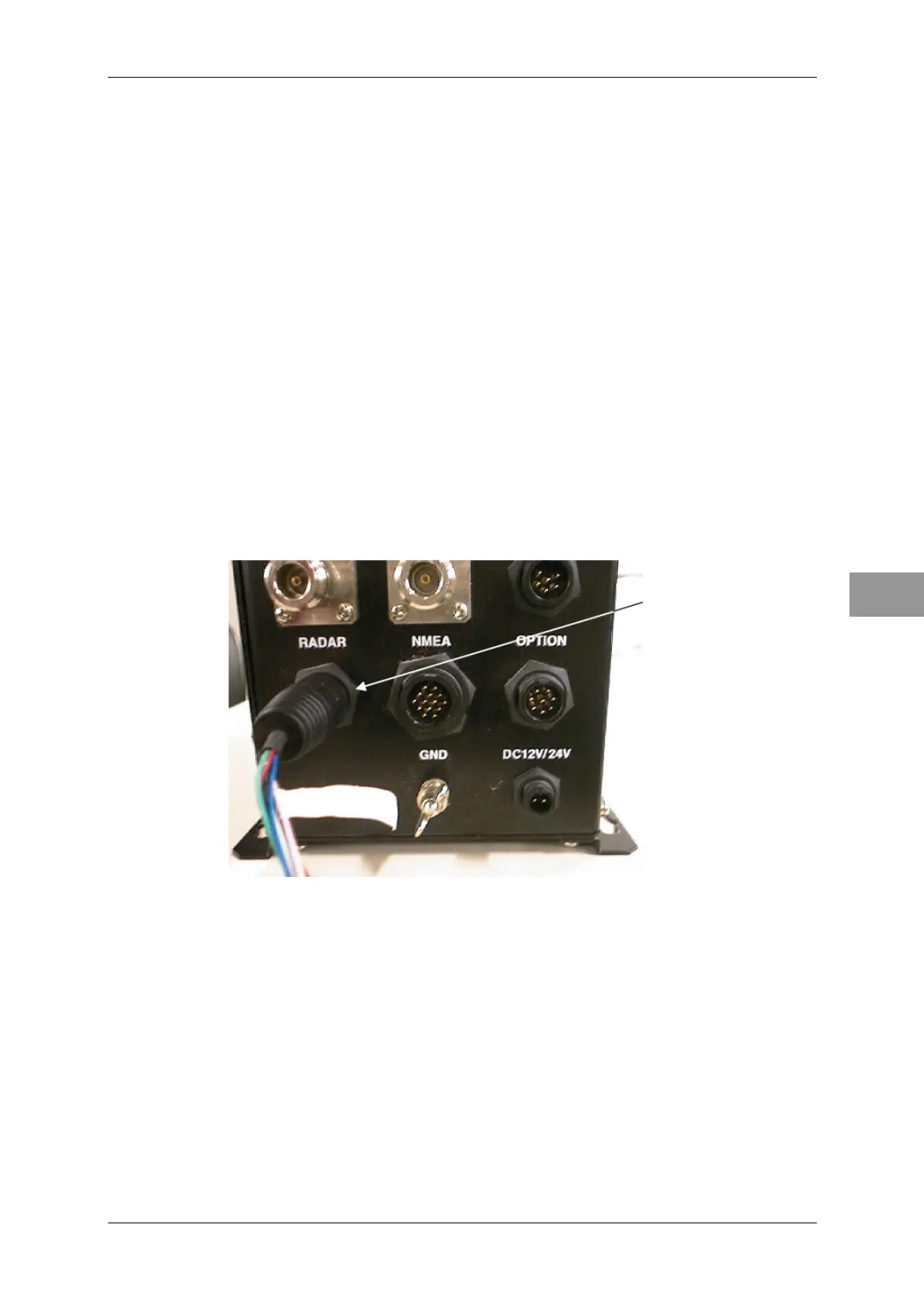
Connecting to JLR-10
Connect the CFQ-6934 8-pin connector with the label "JLR-10 COMPASS (RADAR)"
to the "RADAR" connector of JLR-10.
Connecting to JLR-10
Directly connect the GPS compass (JLR-10) HDG data connector to the connector for
which "HDG" is engraved at the rear of the display unit cabinet.
Cable CFQ-6934



 To Next Page