Chapter 4 ADJUST MENU SETTINGS
4.10 CONTROL
4-62
4.10 CONTROL
Sets the operation keys in details.
"Control" operations
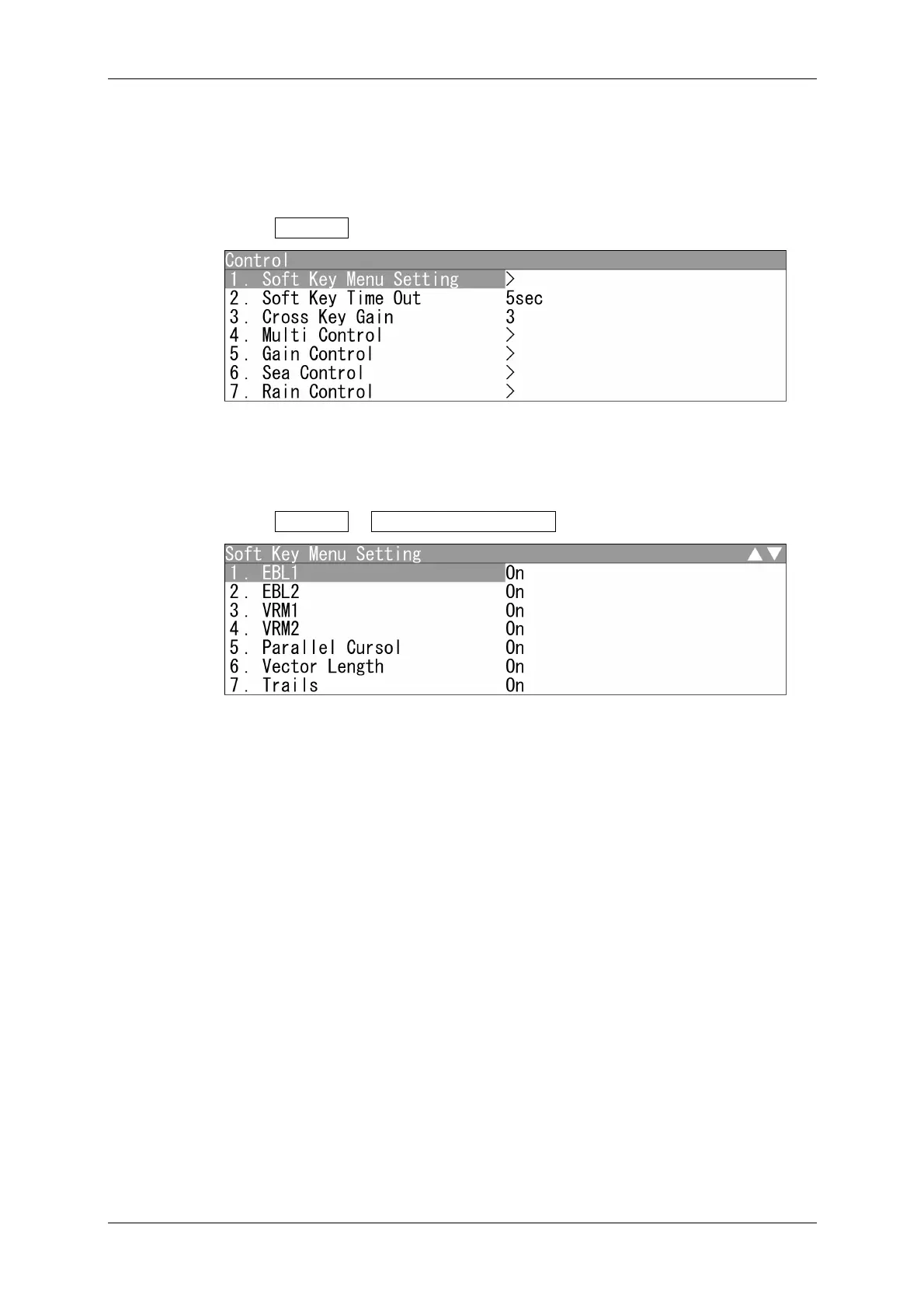
1 Open Control from the Adjust Menu.
"Control" menu appears.
Soft Key Menu Setting
Turns on/off the soft key menu display.
1 Open Control - Soft Key Menu Setting .
"Soft Key Menu" appears.
Selects On/Off for the soft key menu display.
Soft Key Menu
EBL1 Display Screen
EBL2 TM/RM
VRM1 Bearing Mode
VRM2 Pulse Length
Parallel Cursor Off Center
Vector Length Symbol Display
Trails MOB
AIS Mark
TT Line
Alarm1 Own Track
Alarm2


 To Next Page
 Loading...