Chapter 1. Setting Up the RF ValProbe
12 RF ValProbe® User’s Manual
1.3 Setting Up the RF ValProbe System
Setting up an RF ValProbe system for operation involves four steps:
1. Installing the RF ValProbe software for validation, or the OPC Server for monitoring
applications.
Note: To install RF ValProbe validation software, refer to page 24. You must install
validation software before setting up the Base Station and Loggers.
To install an OPC Server for real-time monitoring, refer to Appendix B.
2. Setting up the Base Station
3. Connecting any External Sensors or Auxiliary Inputs
4. Setting up and positioning the Loggers
5. Starting the RF ValProbe software
1.3.1 Setting Up the Base Station
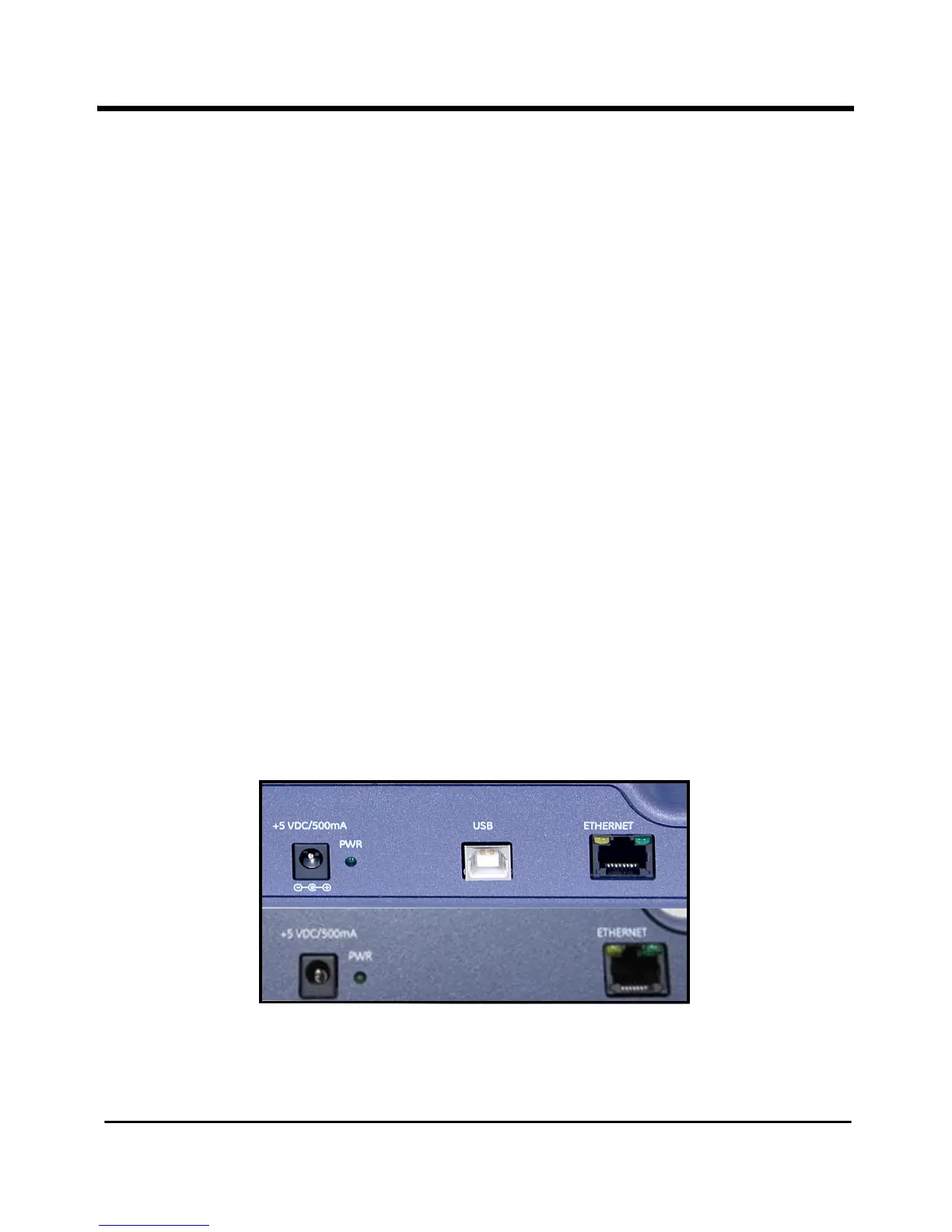
Starting the Base Station requires plugging in the power supply and establishing USB or
Ethernet connections. The rear of the Base Station appears similar to Figure 5 below. The
newer Base Stations do not have the USB port, but a high-speed USB-Ethernet cable,
included in your RF ValProbe, will connect the Ethernet port on the Base Station to the
USB port on the PC.
Figure 5: Base Station Connections (old and new)



 To Next Page