Chapter 2. Installing and Using RF ValProbe Software
38 RF ValProbe® User’s Manual
2.5 Selecting a Communications Option and Establishing
Preference (cont.).
•
To set up a USB connection, see below.
• To set up an Ethernet connection, go to page 40.
2.5.1 Setting Up the USB Connection
First, be sure you have selected the USB option for your Base Station on the Preferences
screen. Also, be sure you have powered up the Base Station and connected it to your PC’s
USB port before completing the following steps:
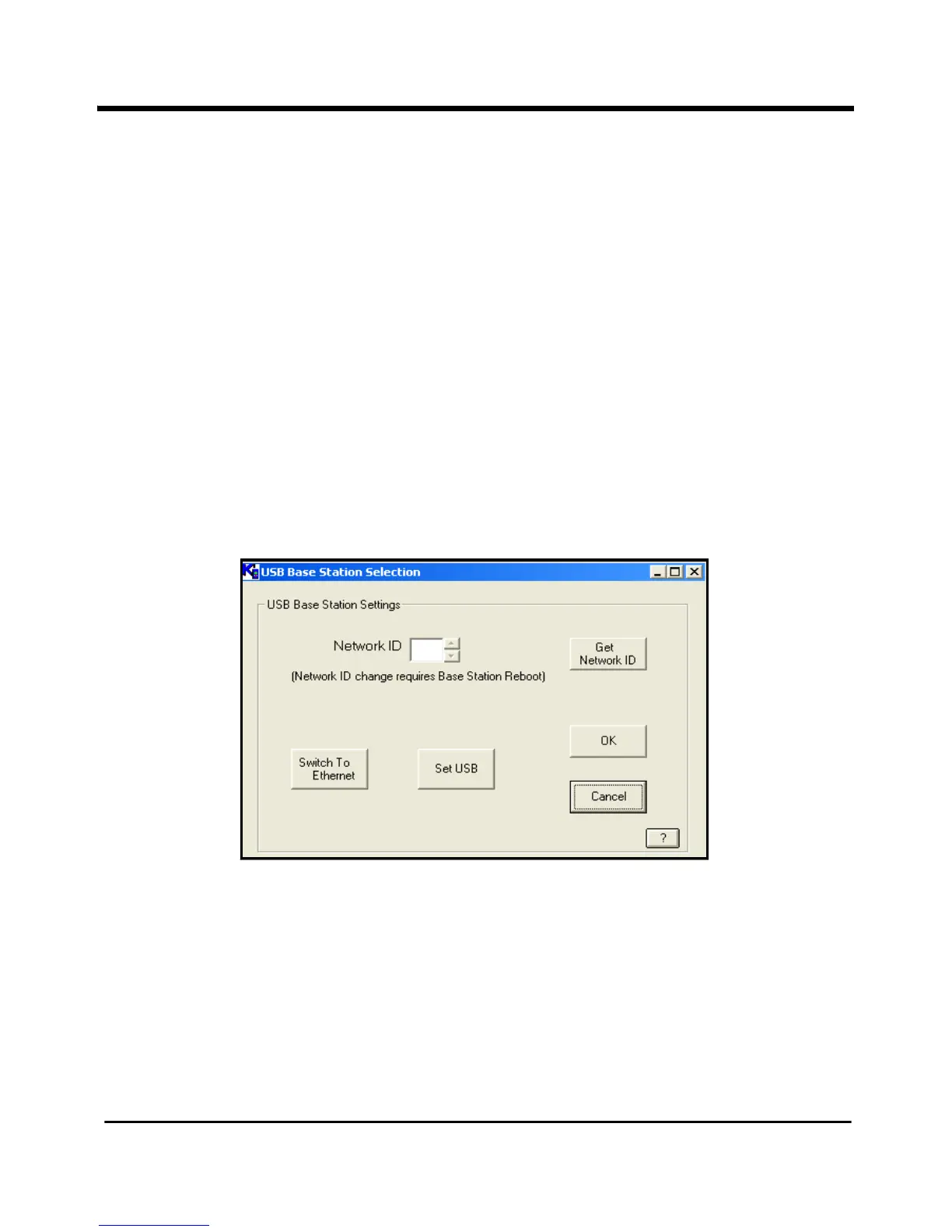
a. If you need to change the Base Station settings, click the
Change Base Stations
Settings
button. The USB Base Station Settings window opens, as shown in
Figure 17 below.
Figure 17: USB Base Station Settings



 To Next Page