Chapter 2. Installing and Using RF ValProbe Software
48 RF ValProbe® User’s Manual
2.7 Accessing the Kaye RF ValProbe Online Help
The RF ValProbe online Help provides step-by-step instructions for using the software,
including: programming Loggers, reading Loggers, creating reports, and performing
calibration verification.
Note: The Kaye RF ValProbe online Help requires Internet Explorer 4.0 or later (5.0 or
later is recommended).
To access online Help:
• With the Kaye RF ValProbe program running, click the Help tab.
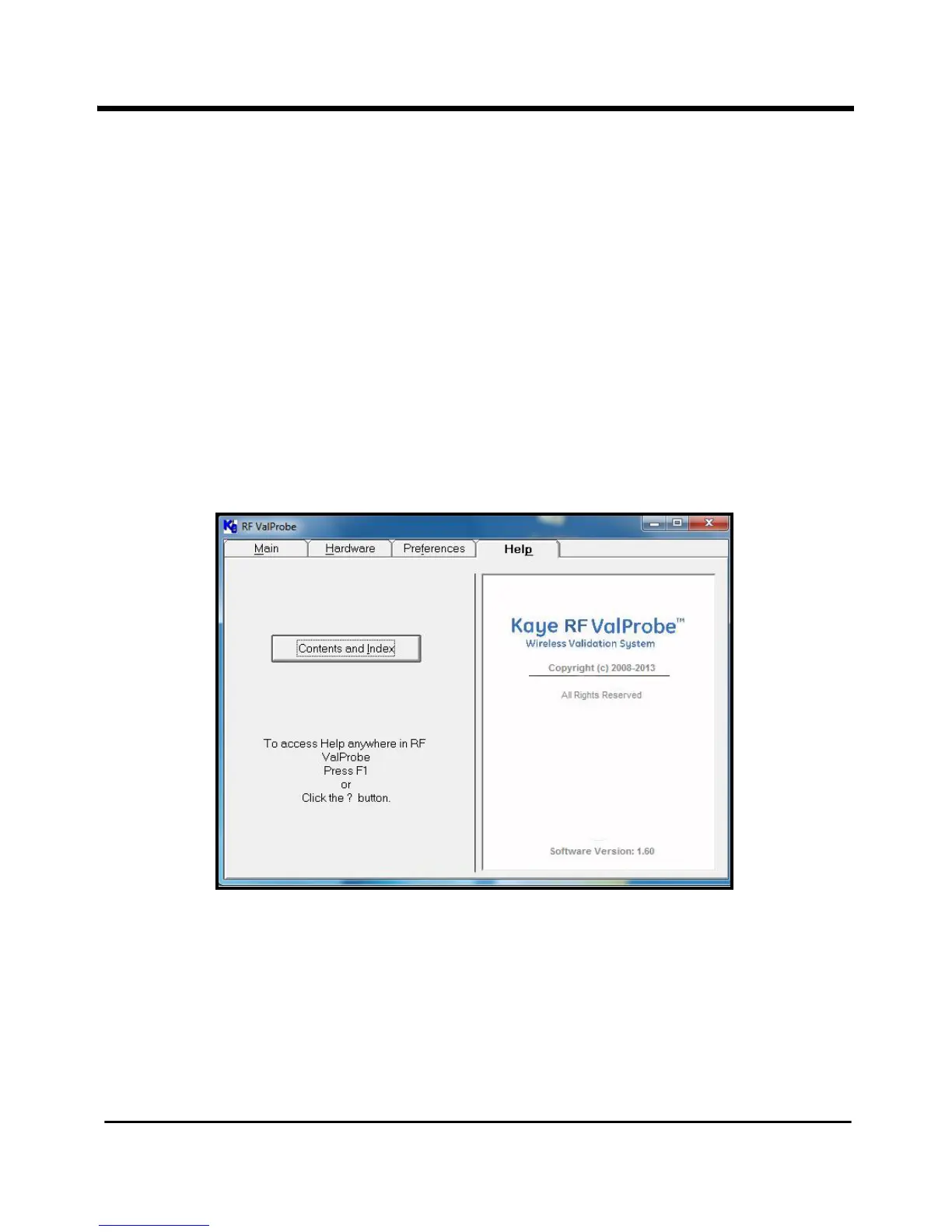
The Kaye RF ValProbe Help window (shown in Figure 24 below) appears.
Figure 24: RF ValProbe Help Window
Click on the
Contents and Index tab to access specific Help features.



 To Next Page