Chapter 1. Setting Up the RF ValProbe
RF ValProbe® User’s Manual 3
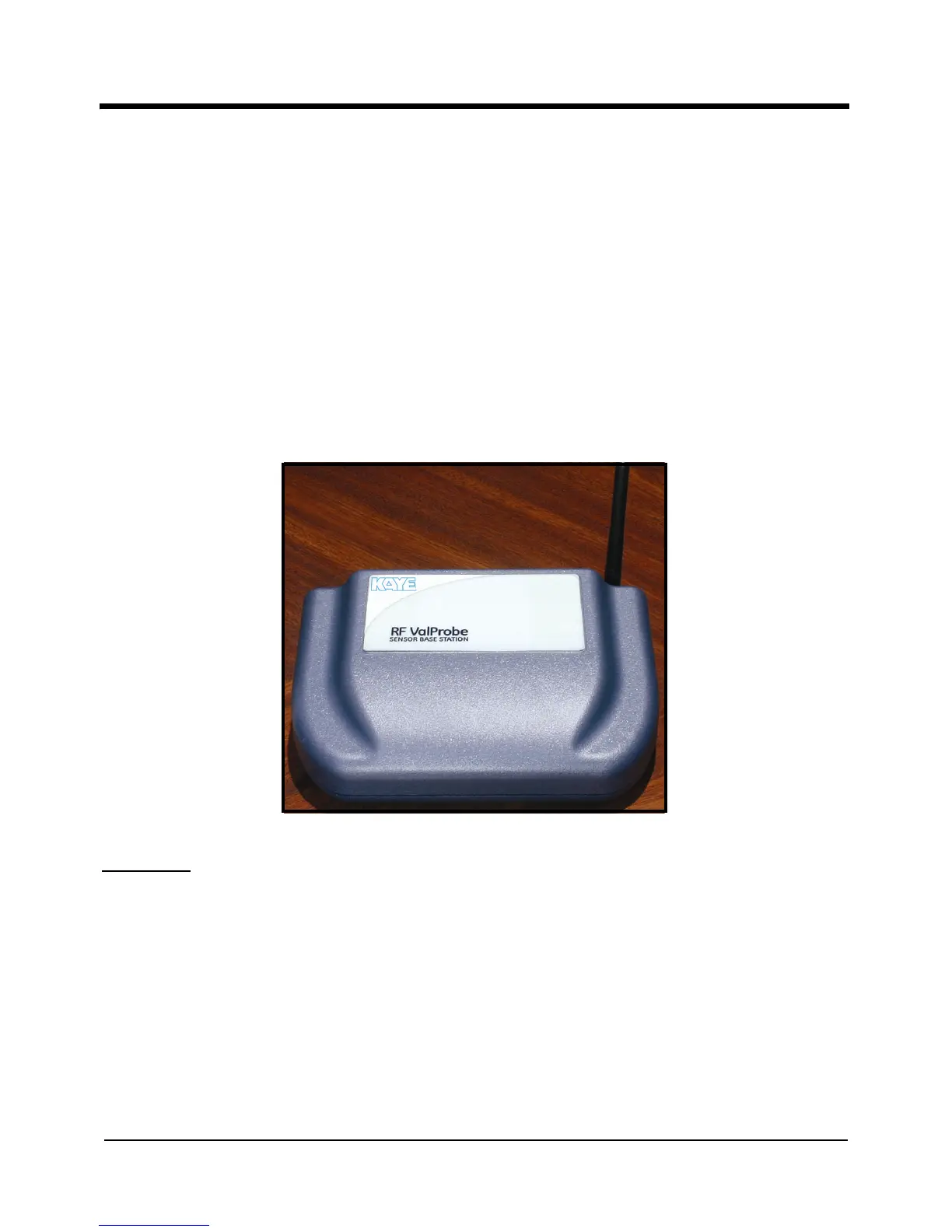
1.1.4 The Kaye RF ValProbe Base Station
The RF ValProbe Base Station acts as the communications link between the wireless
Loggers and the RF ValProbe software on the computer. When connected to the computer
via a standard USB, Ethernet, or USB-Ethernet adapter, the Base Station programs, reads
and collects data from up to 100 Loggers per study. Its design ensures reliable transfer of
critical data. If the PC is not present or currently running, the Base Station can store data
from up to a maximum of 100 Loggers or 200 sensors (100 temperature and 100
humidity).
Powered by a power supply rated from 100-240 VAC at 50/60 Hz, the Base Station
(shown in Figure 2 below) includes both a USB port and an Ethernet connection. (The
connections are mutually exclusive.)
Figure 2: RF ValProbe Base Station
CAUTION!
Use only the Kaye power supply (Kaye #201-172) provided with your
RF ValProbe. The use of non-factory power supplies may damage the
equipment and will void your warranty.



 To Next Page